When to Compress Photos and Videos Instead of Deleting Them
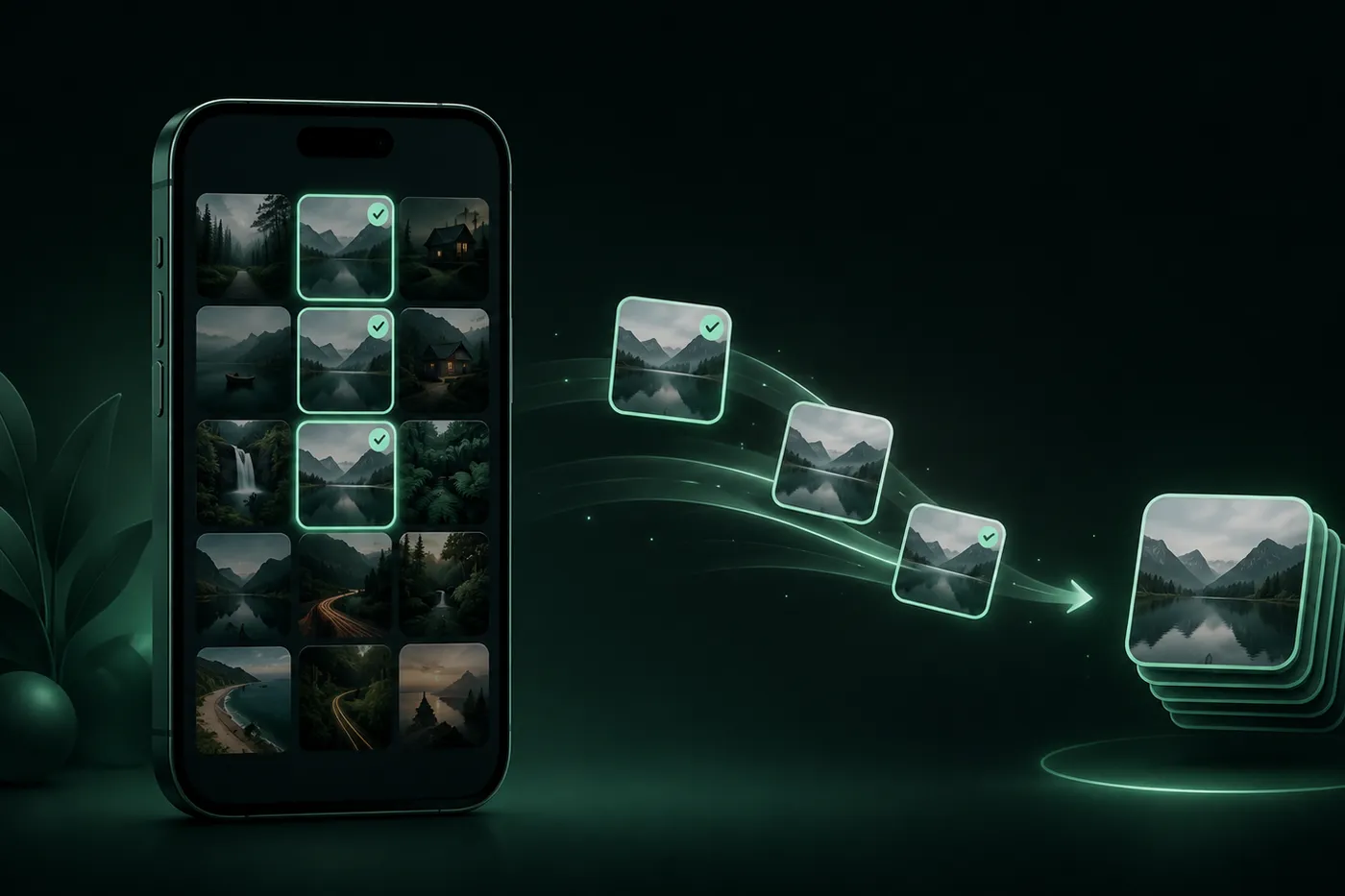
Deleting is final; compression offers a different choice for media you still value. The right decision depends on whether the content matters, how you expect to use it, and whether the compressed result remains suitable.
 Mistero VPN Team
Storage pressure can make every large photo or video look disposable. File size, however, does not tell you whether a memory, project clip, or useful reference should disappear.
Compression changes the size of a file while keeping a version of the content. It belongs between two simpler choices: keep the original exactly as it is, or remove the media completely.
Mistero Cleaner supports photo and video compression as well as photo library cleanup, giving those two decisions a clear place in the same storage routine.
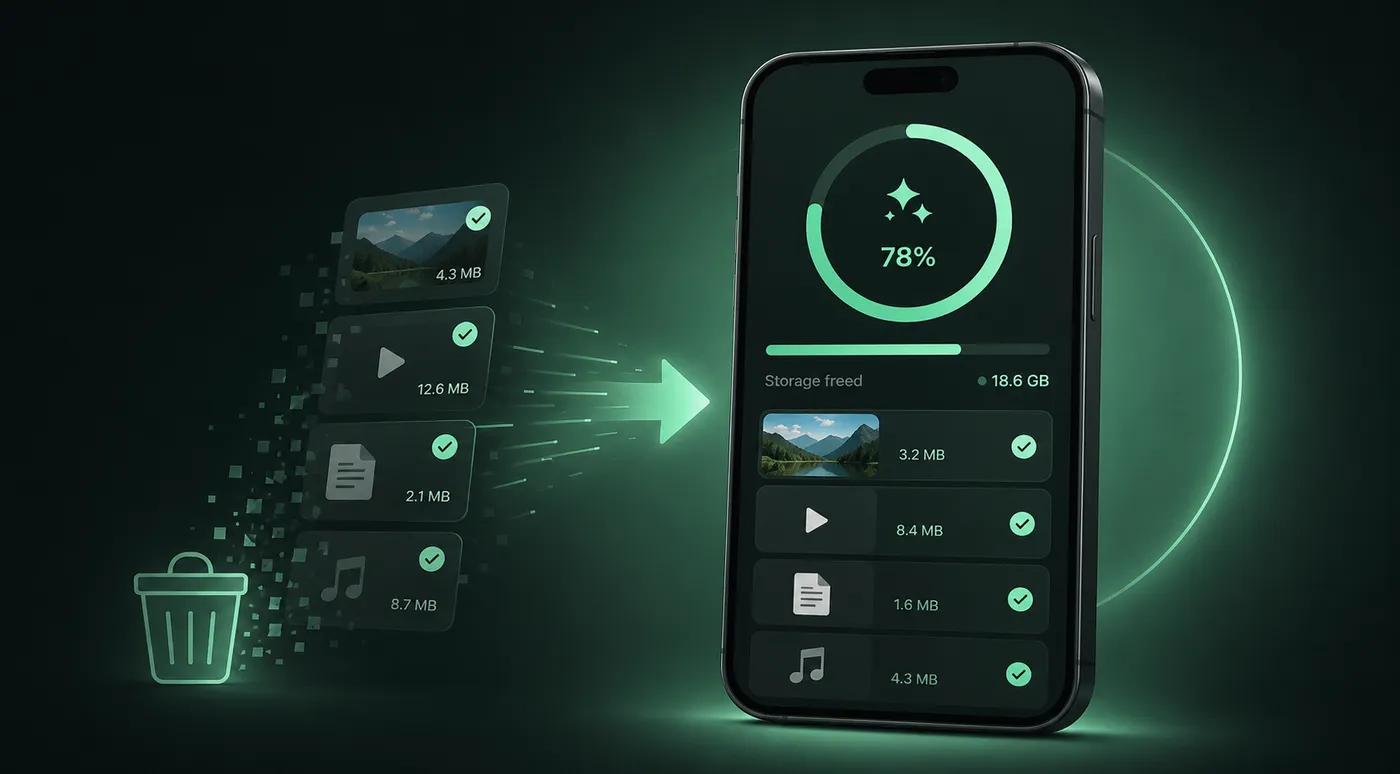
Delete only when the content no longer matters
Deletion is the right choice for media you can identify as unwanted: accidental captures, failed attempts, temporary references, or files whose purpose has ended.
If the content still carries meaning or may be useful later, file size alone is not a sufficient reason to remove it.
Compress when the content matters more than the original size
Compression is useful when you want to retain a photo or video but do not need the original file in its current size. It creates room for a more deliberate tradeoff between storage and the result you keep.
That tradeoff should be reviewed, because a smaller file may not look or behave exactly like the original.
Decide how the file will be used
Think about the next use before choosing between the original and a compressed copy:
- Viewing casually on a phone or tablet
- Sharing through a message or upload
- Keeping a reference you rarely edit
- Preserving an original for future editing
- Storing a video you may watch again
These are decision contexts, not Mistero presets. The right choice depends on the importance of the media and the quality you need.
Check quality after compression
Open the compressed result before treating the task as finished. Look at important detail in a photo and watch enough of a video to check motion and audio where relevant.
Keep the original until you are satisfied that the smaller copy is suitable for its intended use.
Do not replace the only important copy too quickly
For meaningful or irreplaceable media, a safe workflow separates testing from final removal. Create and inspect the compressed version first, then decide what to do with the original.
Any backup location or extra copy is managed by you; it should not be assumed to be part of Cleaner.
Where Mistero Cleaner fits
Mistero Cleaner provides photo library cleanup and photo and video compression. Cleanup helps with media you no longer want; compression supports media you want to retain in a smaller form.
Make keep, compress, or delete a clear decision
Every media file can end with one deliberate choice: preserve the original, keep a compressed version, or remove content that no longer matters.
This approach protects useful media from rushed deletion while still giving storage a practical place in the decision.
Next step: Explore Mistero Cleaner and review which photos and videos should remain original, become smaller copies, or leave the library.
 A Safer Way to Clean Up Your Photo LibraryPhoto libraries become crowded one ordinary moment at a time. A review-first cleanup helps you remove images you no longer want while protecting the photos and videos that still matter.
 Why a VPN Matters When Your Network Keeps ChangingYour online routine may stay the same while the network carrying it changes throughout the day. A VPN gives you a deliberate way to add a protected connection layer when you move between familiar and unfamiliar networks.
 What Your IP Address Shows and What a VPN ChangesAn IP address is part of how internet traffic finds its way between your device and an online destination. A VPN changes the network path and the internet-facing exit used by traffic routed through the connection, but that change is only one part of your online identity.