A Safer Way to Clean Up Your Photo Library
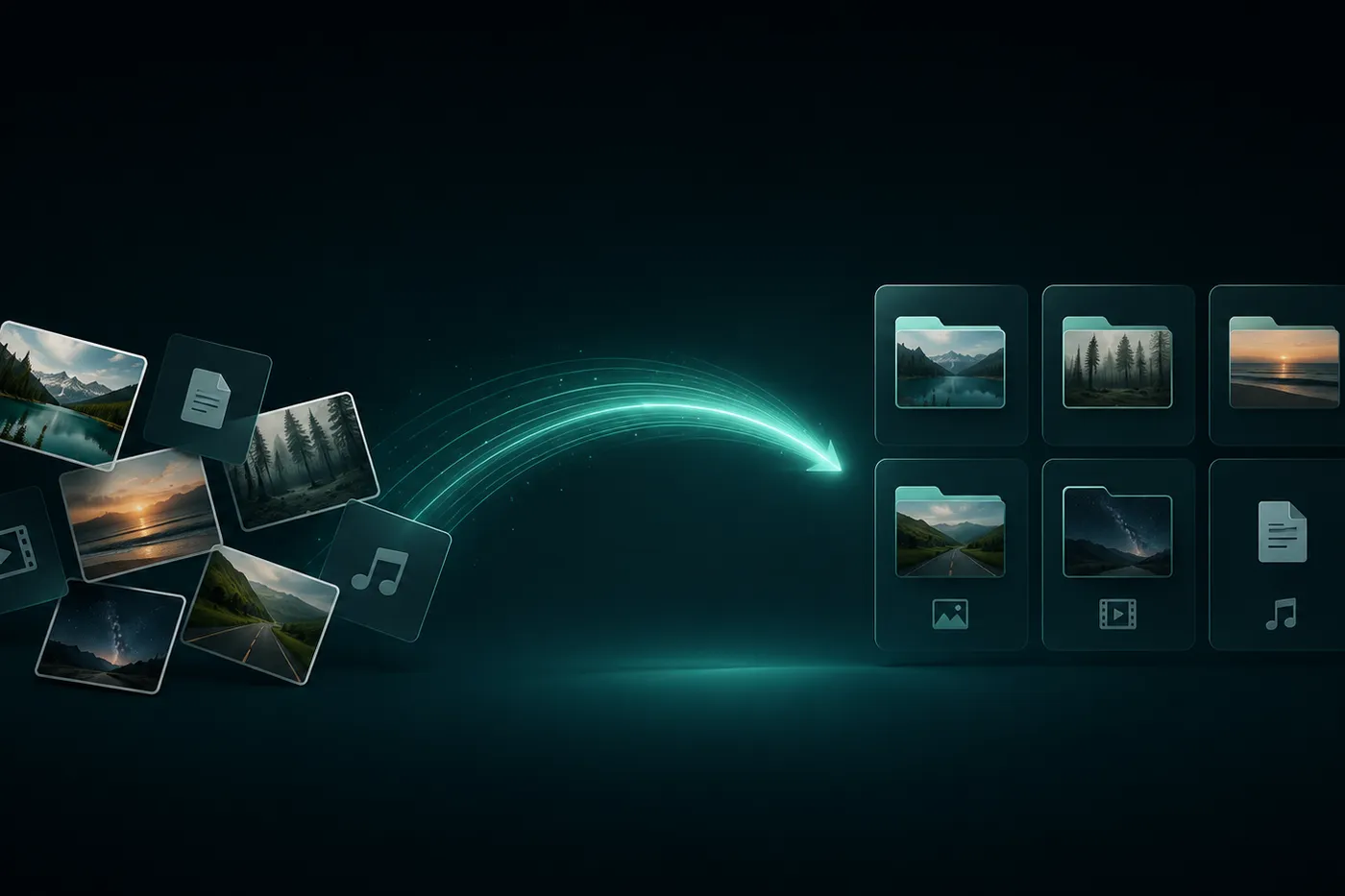
Photo libraries become crowded one ordinary moment at a time. A review-first cleanup helps you remove images you no longer want while protecting the photos and videos that still matter.
 Mistero VPN Team
You rarely decide to create a cluttered photo library. It grows through everyday captures, repeated attempts, downloads, and videos kept long after their purpose has passed.
The difficult part is not finding a delete button. It is deciding which media is genuinely unnecessary and which files deserve another look.
Mistero Cleaner supports two focused tasks: cleaning up the photo library and compressing photos and videos. For a cleanup, the safest starting point is a deliberate review.
Start with a reason for the cleanup
A clear goal makes the review easier. You may want more available storage, a calmer library, or fewer unwanted photos to browse.
Choose that goal before you begin, then decide which types of media no longer support it. The decision remains yours; a cleanup should not become an automatic deletion session.
Separate obvious removals from uncertain files
Begin with photos or videos you recognize as unwanted: failed attempts, accidental captures, or media that has already served its purpose.
When a file makes you hesitate, pause. Age or file size alone does not make a photo disposable. A slower second look is safer than trying to recover something important later.
Review in small, understandable groups
A short, familiar group is easier to judge than an entire library at once:
- Media from one recent event
- Unwanted attempts from one photo session
- Downloads you no longer need
- Videos already delivered or saved elsewhere
- A short date range you can remember
These are review choices, not automatic categories. Work through one group, confirm the result, and then continue.
Confirm what should stay before removing anything
Important family photos, work files, receipts, and the only copy of a meaningful video deserve extra care. Check what the media contains and whether another trusted copy exists before removing it.
If you are unsure, keep it for a later pass. Cleanup is useful only when the remaining library still feels complete.
Use compression for media you want to keep
Some photos and videos still matter even when their file size feels inconvenient. Compression offers a different choice: keep a smaller version instead of deleting the content.
Because compression can affect the result, inspect the output and keep the original until you are satisfied with the smaller copy.
Where Mistero Cleaner fits
Mistero Cleaner is focused on photo library cleanup and photo and video compression. It does not need to turn a review into a broad device-cleaning project.
Use cleanup for media you no longer want and compression for media you want to keep in a smaller form.
Finish with a smaller library you still trust
A successful cleanup is not measured only by the amount removed. It should leave you with a library that is easier to browse and still contains the moments and files you value.
Review first, remove only what you recognize, and compress selected media when keeping a smaller version makes more sense.
Next step: Explore Mistero Cleaner and choose whether each photo or video should be kept, compressed, or removed after review.
 When to Compress Photos and Videos Instead of Deleting ThemDeleting is final; compression offers a different choice for media you still value. The right decision depends on whether the content matters, how you expect to use it, and whether the compressed result remains suitable.
 Why a VPN Matters When Your Network Keeps ChangingYour online routine may stay the same while the network carrying it changes throughout the day. A VPN gives you a deliberate way to add a protected connection layer when you move between familiar and unfamiliar networks.
 What Your IP Address Shows and What a VPN ChangesAn IP address is part of how internet traffic finds its way between your device and an online destination. A VPN changes the network path and the internet-facing exit used by traffic routed through the connection, but that change is only one part of your online identity.