What Your IP Address Shows and What a VPN Changes
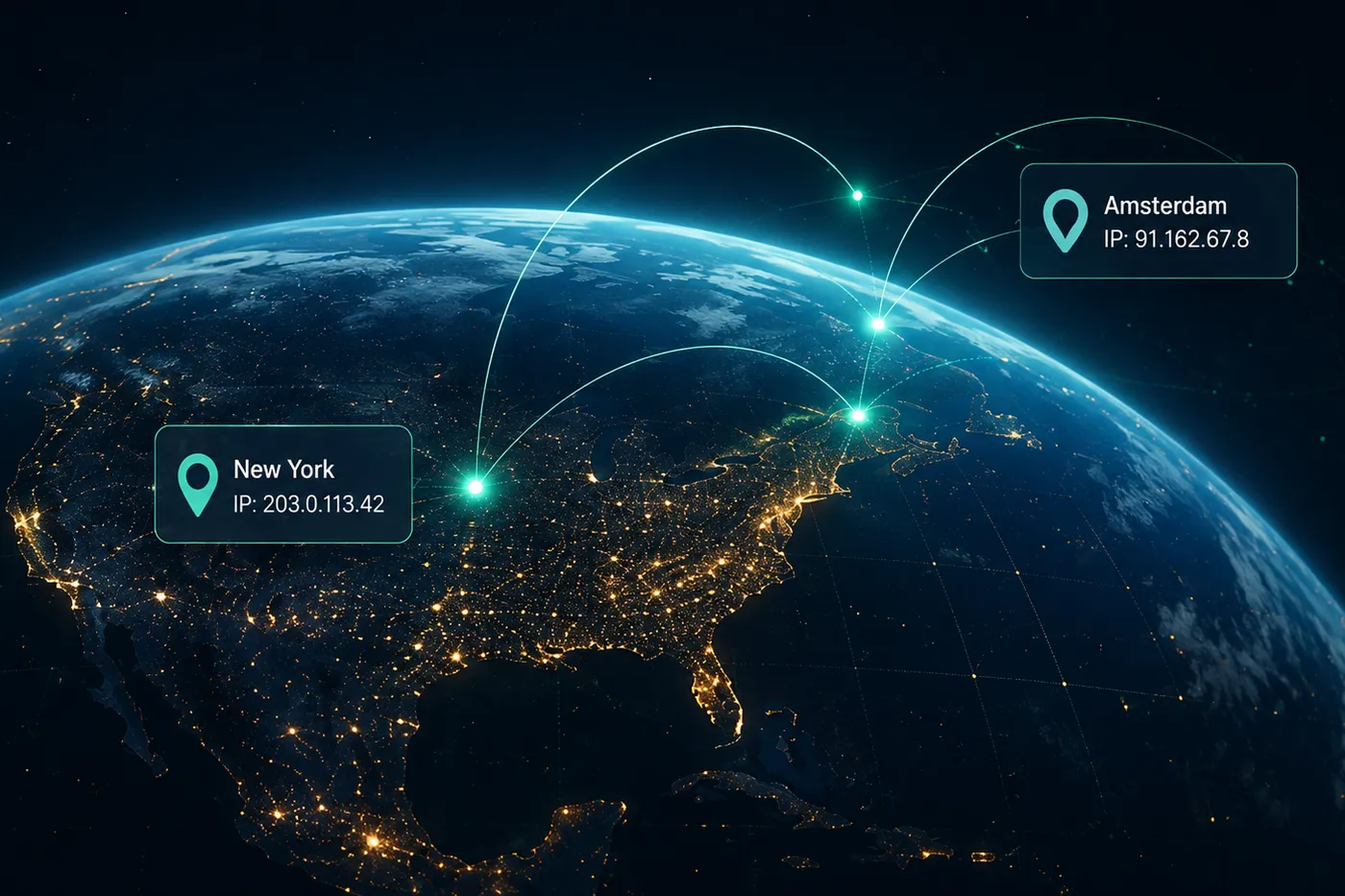
An IP address is part of how internet traffic finds its way between your device and an online destination. A VPN changes the network path and the internet-facing exit used by traffic routed through the connection, but that change is only one part of your online identity.
 Mistero VPN Team
When you open a website, the page needs a route back to your connection. An Internet Protocol address is part of that exchange, even though you rarely see it while browsing.
That address is useful network information. It can also become a shortcut for assumptions about the network carrying your traffic. This is why discussions about VPNs often focus on whether an IP address changes.
The useful answer is more precise than simply saying a VPN hides an IP address. A VPN introduces a different network route for covered traffic. Understanding that route makes the benefit easier to evaluate without confusing it with anonymity.

Your public IP is part of the connection path
Devices use IP addresses so data can move between networks. Inside a home or workplace, a device may use a local address. Traffic that reaches the wider internet also travels through an internet-facing address associated with the connection path.
Websites and online services receive requests through that path. The address they observe is connection information: it helps identify where network traffic is arriving from and where responses should be sent.
This does not mean the address is a complete description of the person using the connection. One network may serve several devices or users, and the address can change as the connection changes.
Treat the public IP as a visible part of the route, not as a complete identity card.
A direct connection uses the network’s exit point
Without a VPN, traffic normally reaches an online destination through the internet connection currently available to the device. The public-facing network address belongs to that route.
Move from home Wi-Fi to mobile data or another network and the route can change. The website may be the same, but the connection carrying the request is different.
That relationship is why an IP check can show different results on different networks. It reflects the path being used at that moment, not a permanent label attached to the device.
A VPN adds a different network exit
A VPN creates a virtual connection over the network already in use. NIST describes IPsec as a network-layer security control for protecting communications over IP networks.
For traffic routed through a VPN, the destination receives the request through the VPN service’s network path rather than directly through the original local connection. The visible internet-facing address therefore belongs to that VPN exit path.
This change can help you separate the network immediately around you from the address presented by covered traffic. In practical terms, it changes:
- The route used before traffic reaches an online destination
- The internet-facing network exit seen for covered traffic
- How much the destination can infer from the original connection address
- The connection choice you make before beginning an online session
- The network layer you rely on while using the current connection
The exact result depends on the VPN implementation, configuration, and traffic coverage. Product documentation should define those boundaries.
The visible IP is only one signal
Changing the network exit changes one piece of information available to a destination. It does not remove every other signal connected to the visit.
A browser can still store cookies. A service can still recognize an account after you sign in. Information entered into a form still reaches the service you submit it to. Device and browser settings remain separate from the VPN connection.
This distinction matters because a changed IP address and an anonymous browsing session are not the same promise.
Your accounts do not become different accounts
If you sign in before or after connecting to a VPN, the service still receives the account credentials and activity associated with that account. The network route has changed; the account relationship has not.
The same applies to choices you make on a site. A VPN does not withdraw consent, delete an uploaded file, repair a reused password, or decide whether a destination deserves your trust.
Use the VPN for the connection layer, and keep account security and browsing decisions as their own responsibilities.
An IP result should be interpreted carefully
An IP address can be associated with a network provider or a broad network location, but it should not be treated as precise proof of where a person is or who they are.
With a VPN active, an IP-checking site may describe the VPN exit rather than the original connection. That is evidence that the route changed for the traffic reaching that site. It is not evidence that every application or every type of traffic is covered.
To understand the real boundary, verify which traffic the VPN routes and how the product behaves when connections change.
Where Mistero VPN fits
Mistero offers VPN as part of its product experience. In this context, its role is to provide a VPN option for users who want the connection path to be a deliberate choice.
Next step: Explore Mistero VPN and learn which parts of the connection path and visible IP behavior are covered by the current product.
 Why a VPN Matters When Your Network Keeps ChangingYour online routine may stay the same while the network carrying it changes throughout the day. A VPN gives you a deliberate way to add a protected connection layer when you move between familiar and unfamiliar networks.
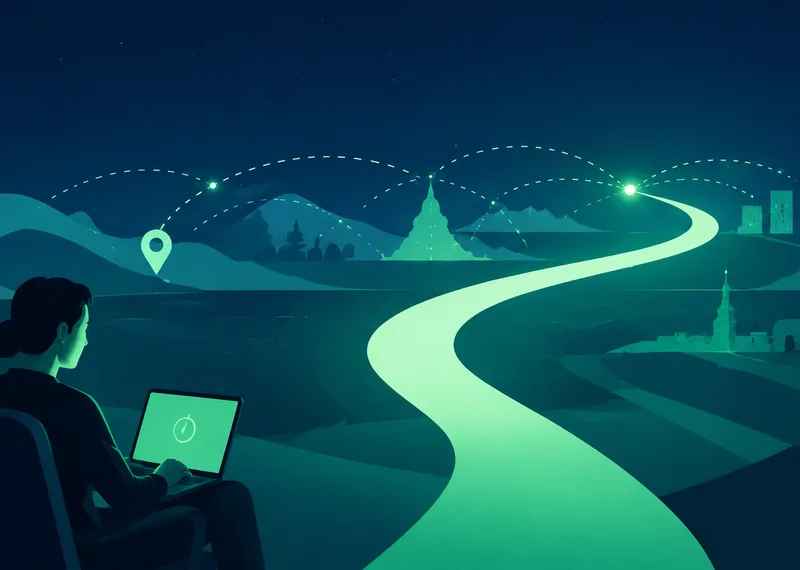 What a VPN Actually Changes When You Go OnlineA VPN changes the route your internet traffic takes and adds a protected connection between your device and a VPN service. Understanding that boundary makes it easier to know when a VPN helps and what it cannot replace.
 Clear Browser Ads in Safari with Mistero AdblockMistero Adblock clears browser ads from webpages in Safari, helping articles stay readable, instructions remain connected, and everyday browsing feel less cluttered.