 NewSocial Engineering · Banking
FaceTime bank-support scam used screen sharing to steal accounts

 At a glance
- Channel
- FaceTime video call
- Method
- Support impersonation
- Target
- Passwords, OTPs and funds
- Reported
- Jul 2026
What happened
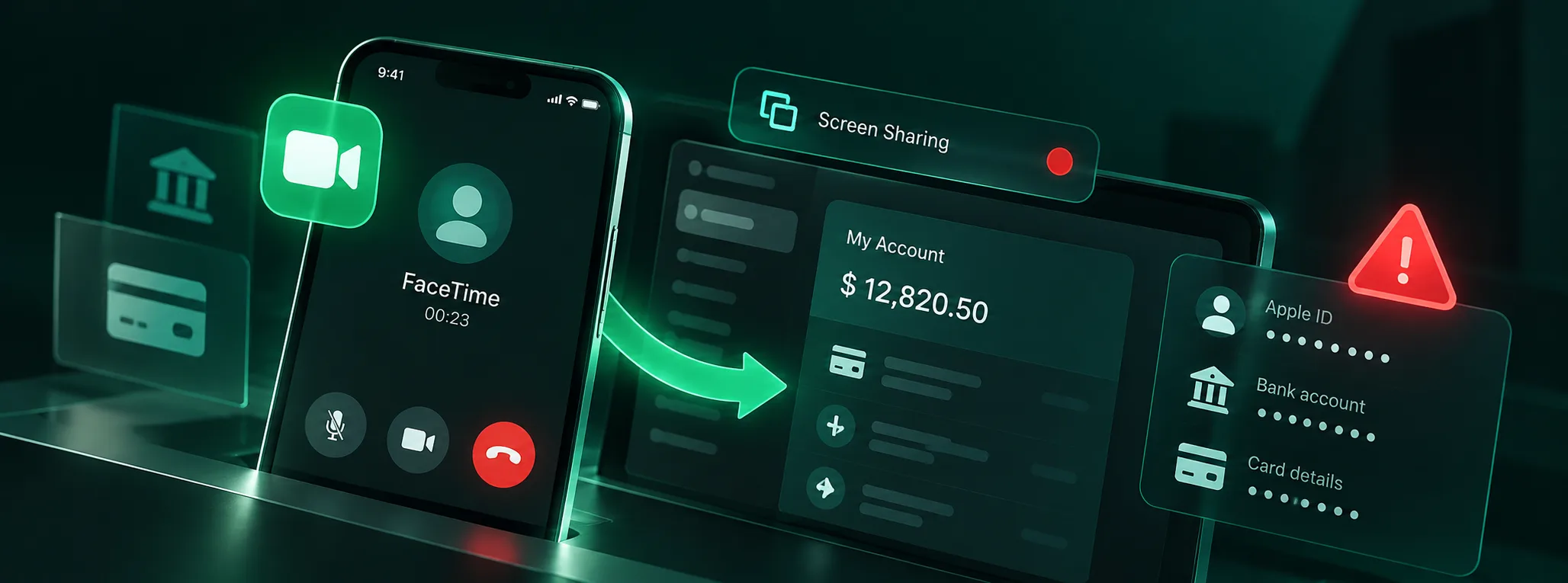
Scammers impersonated banks or Apple Support over FaceTime, claimed that an account was under threat and pressured victims to share their screen or install remote-assistance software.
The attack required no iOS vulnerability; urgency and impersonation were enough to make victims reveal credentials.
What was found
Attackers watched passwords and one-time codes in real time, then accessed bank accounts. Apple confirmed the pattern and opened a dedicated reporting address for suspicious FaceTime calls.
Data at risk
- Bank passwords
- One-time codes
- Screen content
- Account balances
- Apple ID
- Remote access
What you should do
- Hang up and call the organization through an official number.
- Never enable screen sharing for an unsolicited support caller.
- Never reveal or display a one-time code to support staff.
- Report suspicious FaceTime calls to Apple's fraud address.
- Keep iOS updated to reduce follow-on exploitation risk.
 View original postYahoo Finance · GBHackers