VPN with Adblock for Safari on iPhone

Mistero VPN includes Mistero Adblock, a Safari extension that filters ads, pop-ups and tracking scripts before they load, so pages feel lighter and fewer trackers follow you. It works in Safari only, not in other apps.

Get Mistero VPN
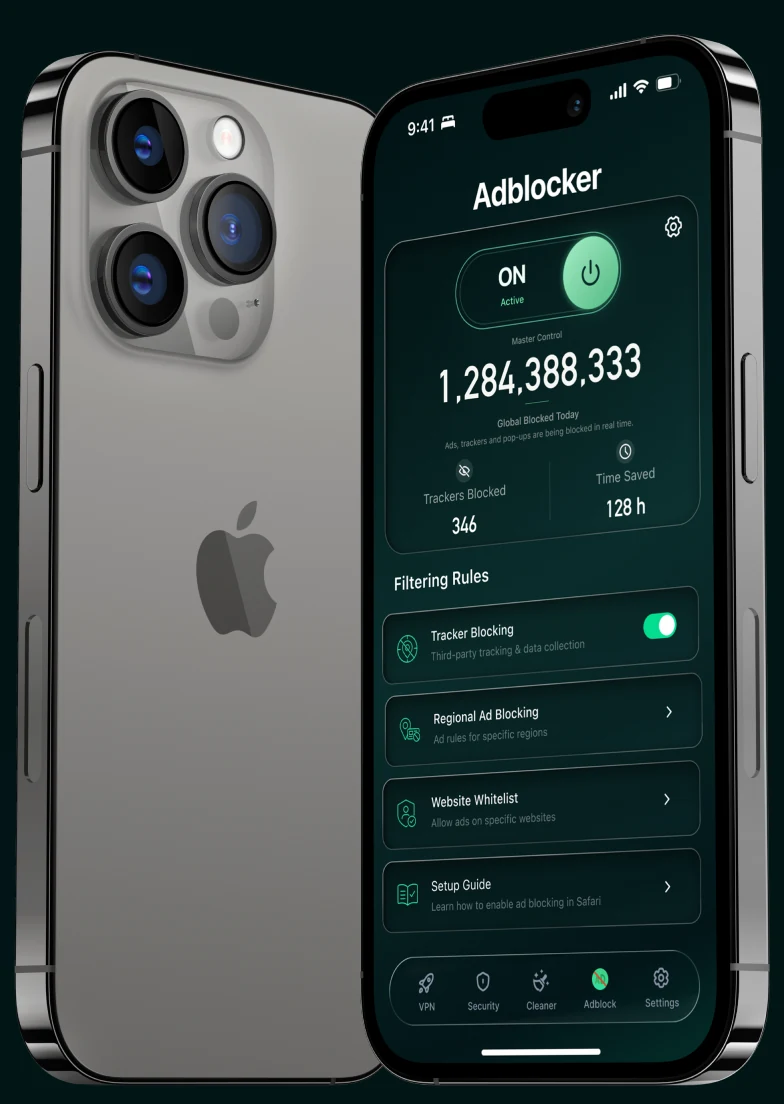
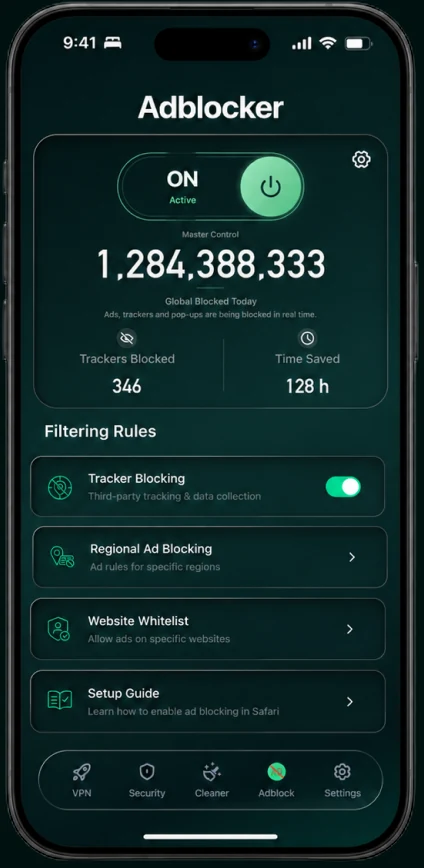
A phone running the Adblocker with its master switch on

The cost of a cluttered web

Intrusive advertising can slow down pages, follow your activity and make the content you want harder to reach.
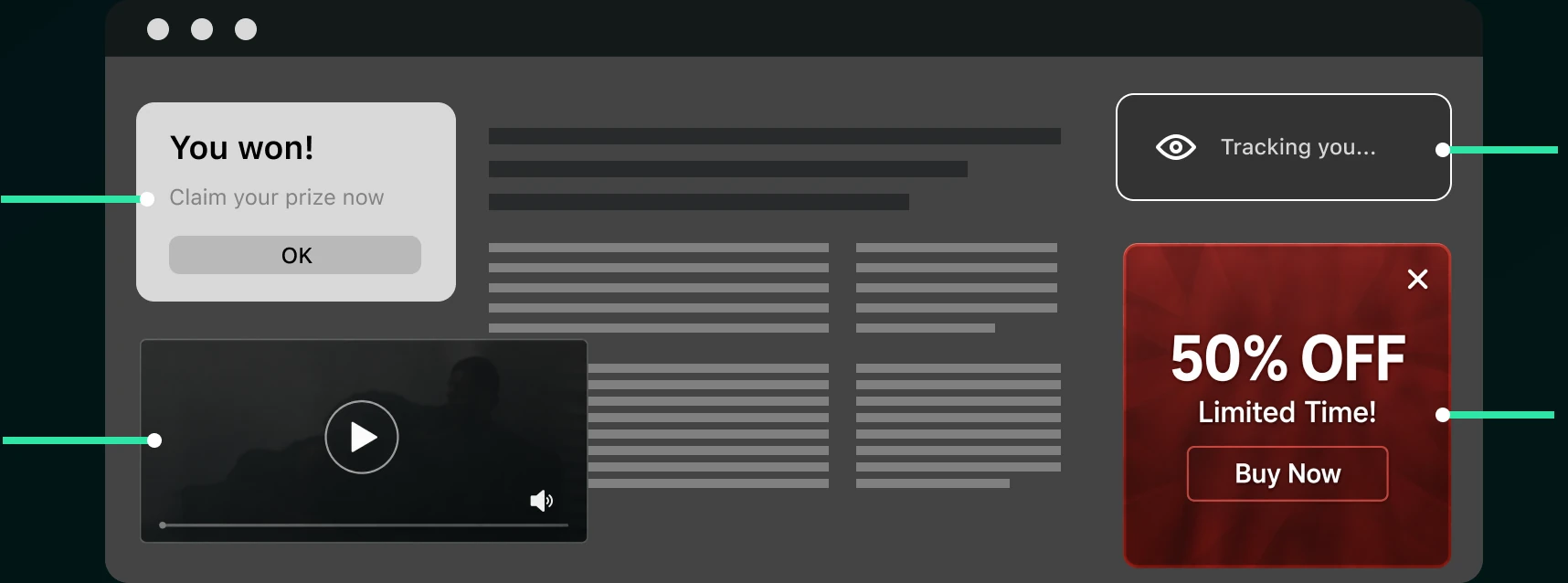
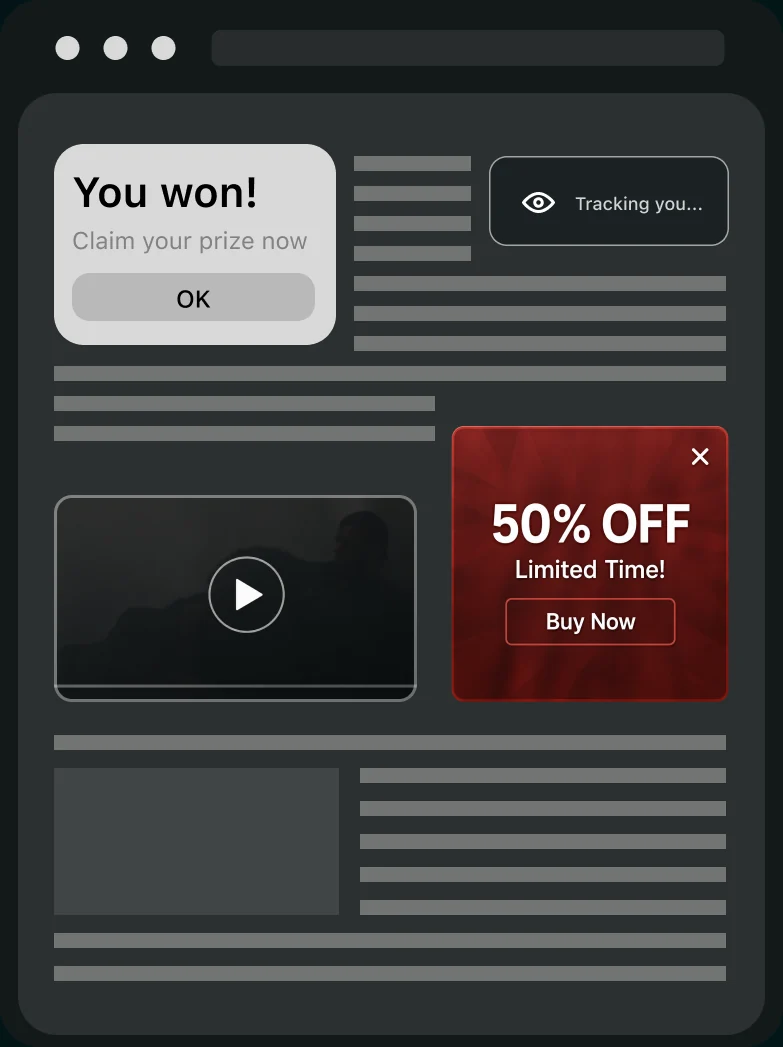
A web page crowded with a pop-up, an autoplaying video, a tracker badge and a full-height adA web page crowded with a pop-up, an autoplaying video, a tracker badge and a full-height adPop-upAuto playTrackerHeavy ad

Too many interruptions

Constant pop-ups and ads break your focus

Invisible tracking

Trackers collect your data across sites

Wasted time and data

Heavy ads and scripts slow pages and use more data

A quieter web, one block at a time

Mistero filters disruptive ads and tracking requests before they reach you.

LIVE PROTECTIONPop-ups, trackers and intrusive ads — blocked before they reach you.
See how Adblock works

BUILT AROUND YOUR CHOICES

Protection you control

Block what distracts you. Keep what matters. Mistero gives you simple control over how protection works across the web.
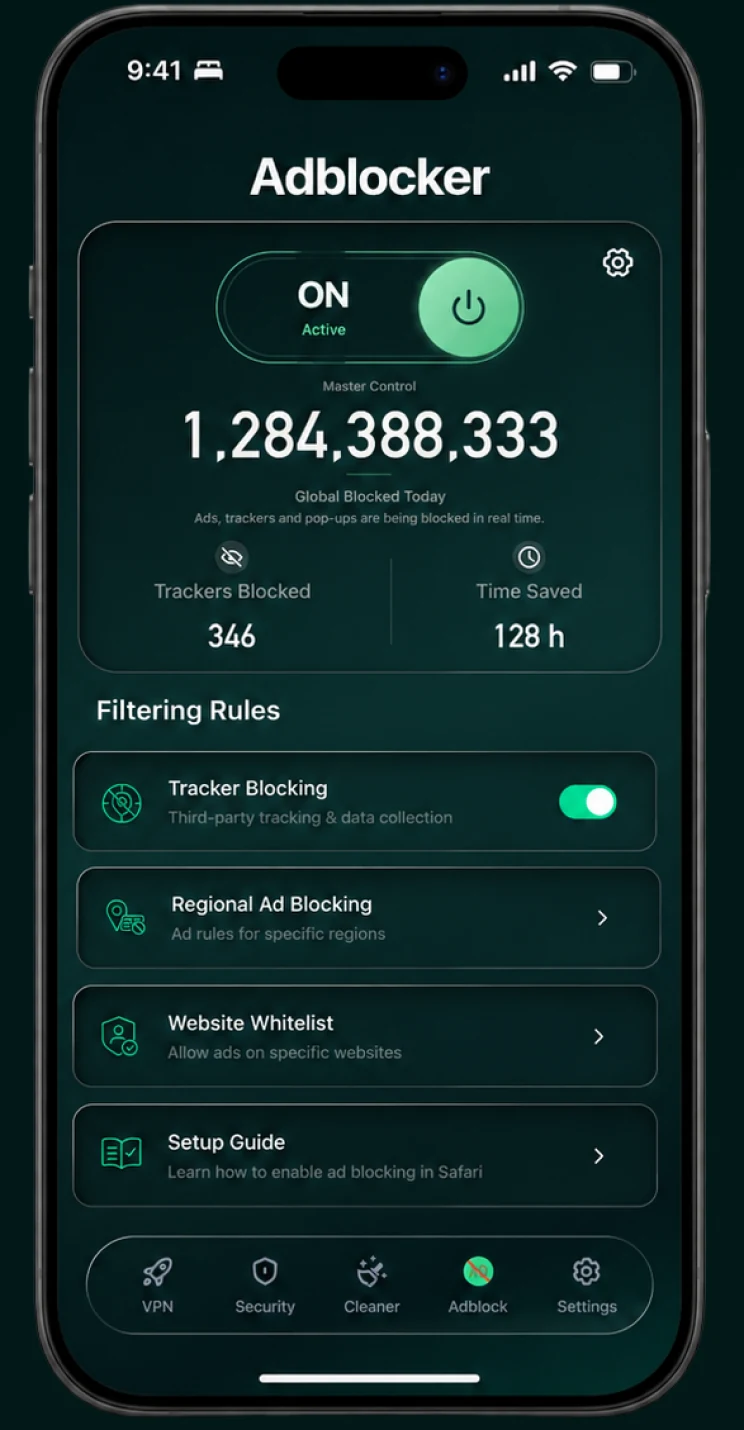
The Adblocker screen showing the master switch, blocked count and filtering rules
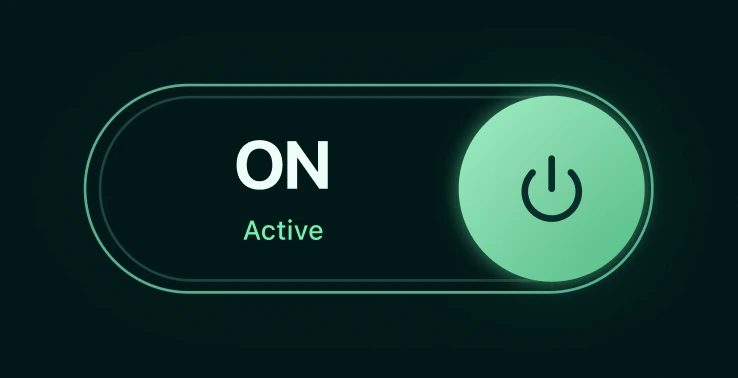
The Adblocker screen showing the master switch, blocked count and filtering rulesThe master control switch, on

Protection when you want it

Turn ad filtering on or off instantly from one clear control.
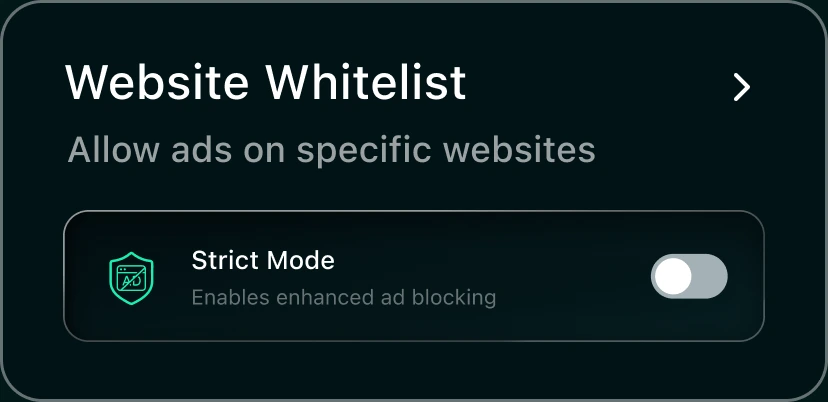
The website whitelist with strict mode

Choose what gets blocked

Manage trackers, pop-ups and regional filtering without complicated setup.
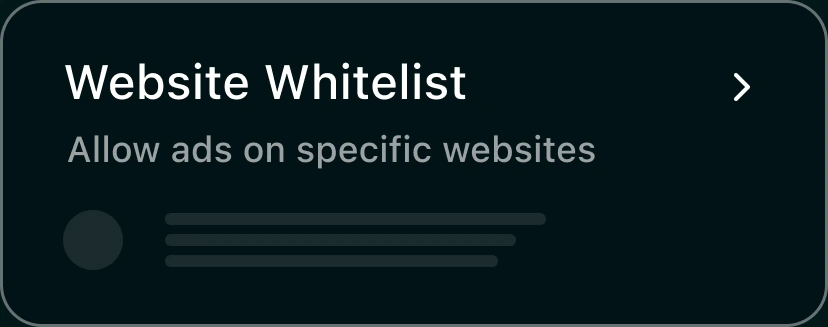
The website whitelist with one allowed site

Allow the sites you support

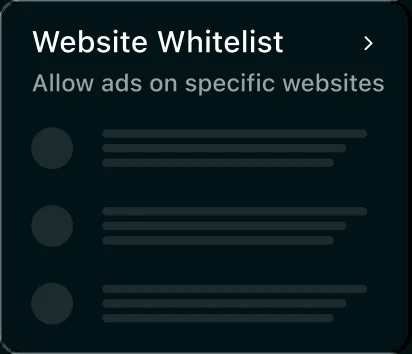
Keep protection active everywhere else while allowing ads on selected websites.

  1. 01MASTER CONTROL

    Protection when you want it

    Turn ad filtering on or off instantly from one clear control.

  2. 02FILTERING RULES

    Choose what gets blocked

    Manage trackers, pop-ups and regional filtering without complicated setup.

  3. 03WEBSITE ALLOWLIST

    Allow the sites you support

    Keep protection active everywhere else while allowing ads on selected websites.
See how Adblock works
The master control switch, onThe website whitelist with strict modeThe website whitelist with one allowed site

WHY MISTERO

Block ads. Not your privacy

Mistero removes unwanted content without turning your browsing behavior into a product.

NO-LOGS NETWORK

When you're connected to Mistero VPN, we don't store your browsing activity, your DNS queries or your originating IP address. Details on our no-logs page

LIGHTWEIGHT BY DESIGN

Fewer ads and tracking scripts mean cleaner pages with less background work.
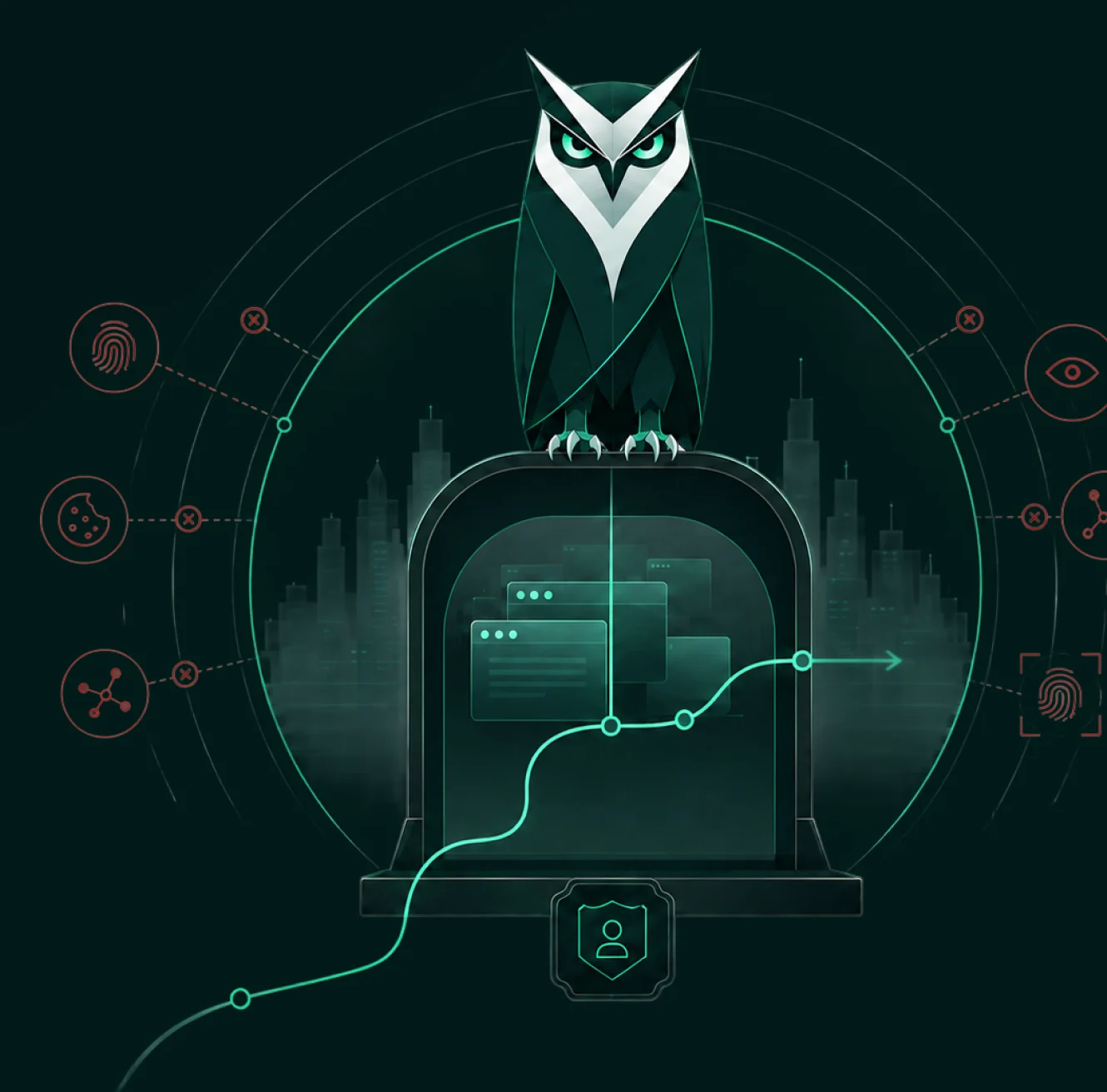
An owl standing guard over a browser sealed inside a dome while trackers are turned away

Frequently asked questions

Does this block ads in all my apps, or just in Safari?

Mistero Adblock works as a Safari extension — it blocks ads and trackers while you're browsing in Safari specifically, not across other apps.

How do I turn on an ad blocker on iPhone?

Install the app, then open Settings → Apps → Safari → Extensions, tap Mistero Adblock and turn it on. Safari ad blockers only work in Safari; Chrome and other browsers on iPhone don't support them.

Will it slow down my browsing?

No. Mistero is built to be lightweight, so blocking ads and trackers shouldn't add any noticeable lag to your browsing.

Does it log my browsing activity?

Mistero VPN is a no-logs VPN: while you're connected, we don't store your browsing activity, your DNS queries or your originating IP address. We do process some account and app data — see exactly what on our no-logs page.

Can I allow ads on specific websites?

Yes. If a site relies on ads to stay free, you can add it to your allowlist and Mistero will leave that site alone.

Is this a subscription or one-time purchase?

Both. Mistero Adblock is part of the Mistero app, which is available as an auto-renewing subscription — new subscribers can start with a 3-day free trial — or as a one-time Lifetime purchase that doesn't renew. Subscriptions renew until you cancel; you can cancel anytime in your Apple subscription settings (Settings → your name → Subscriptions). The App Store purchase screen shows the current plans and prices before you confirm.