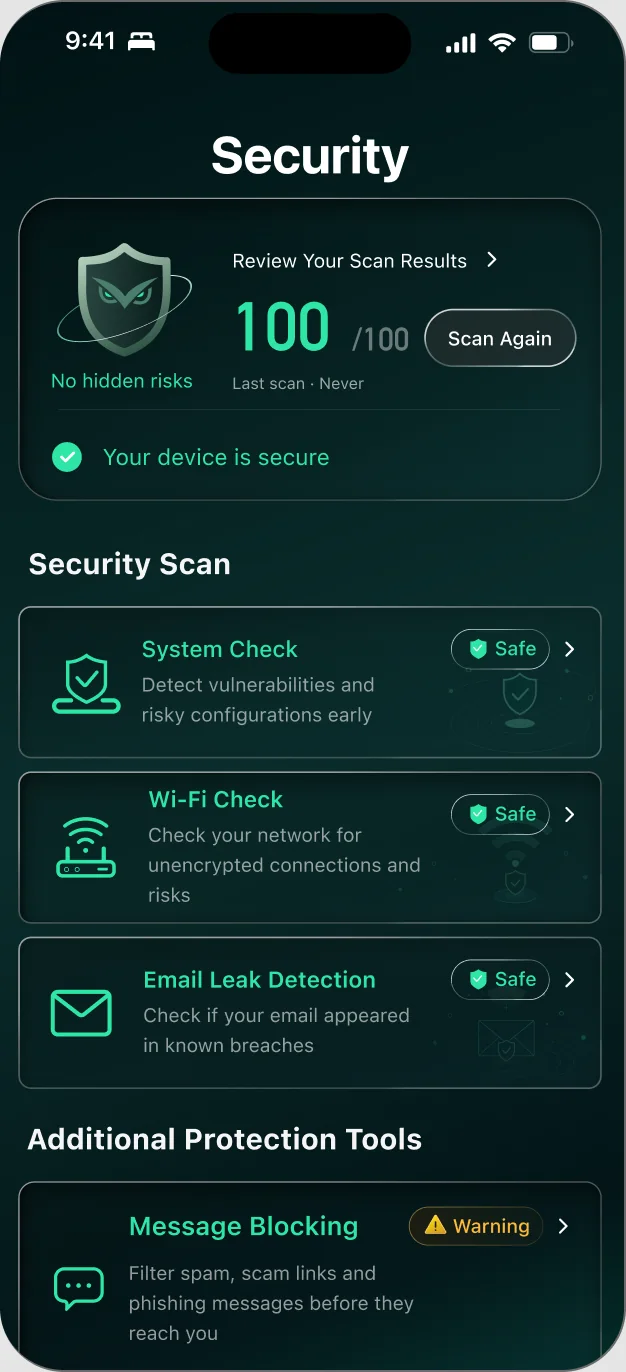
iPhone security scan — find risks before they find you.

One scan checks Wi-Fi safety, email breaches, weak passwords and risky settings.

Get Mistero VPN
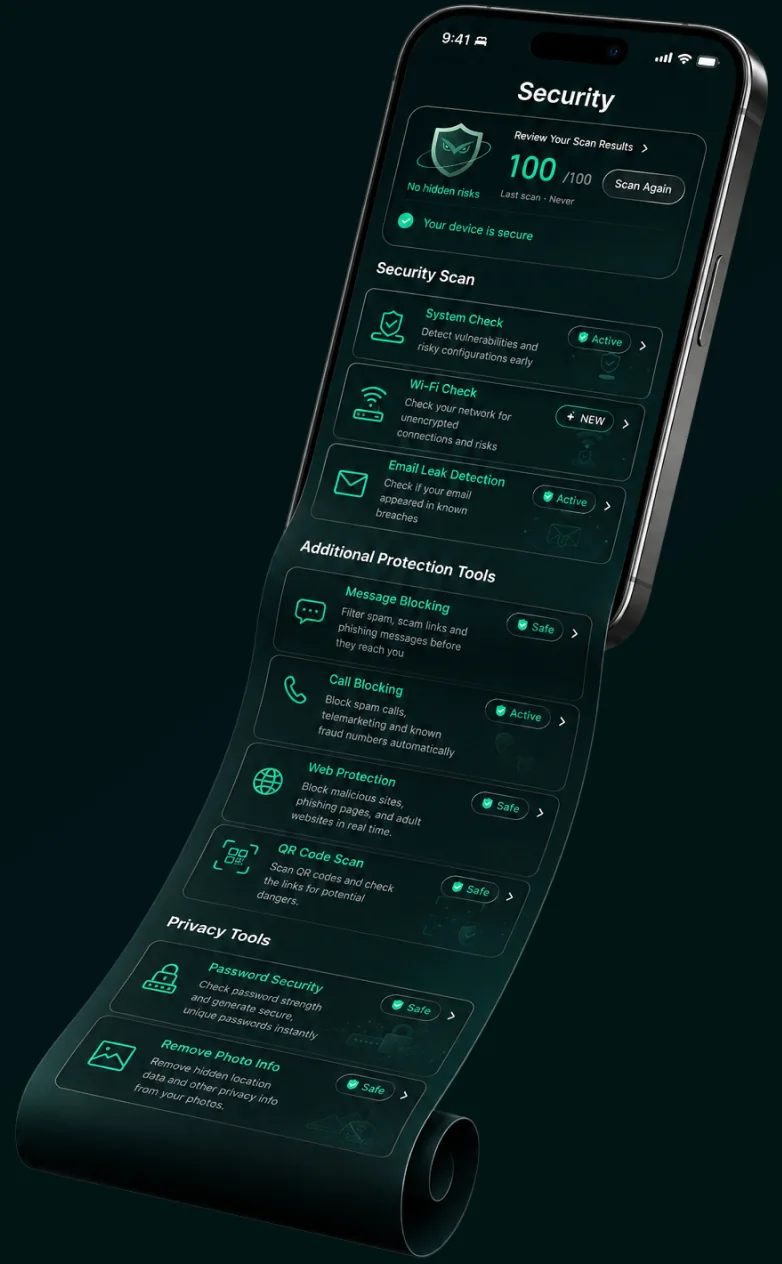
The Mistero security scan, unrolling as a long list of checks

SECURITY INTELLIGENCE

Mistero Security isn’t just a single tool — it’s built for your total safety

From malicious links and scam calls to risky Wi-Fi networks and exposed photo data, Mistero checks for the risks that quietly build up across your everyday digital life.

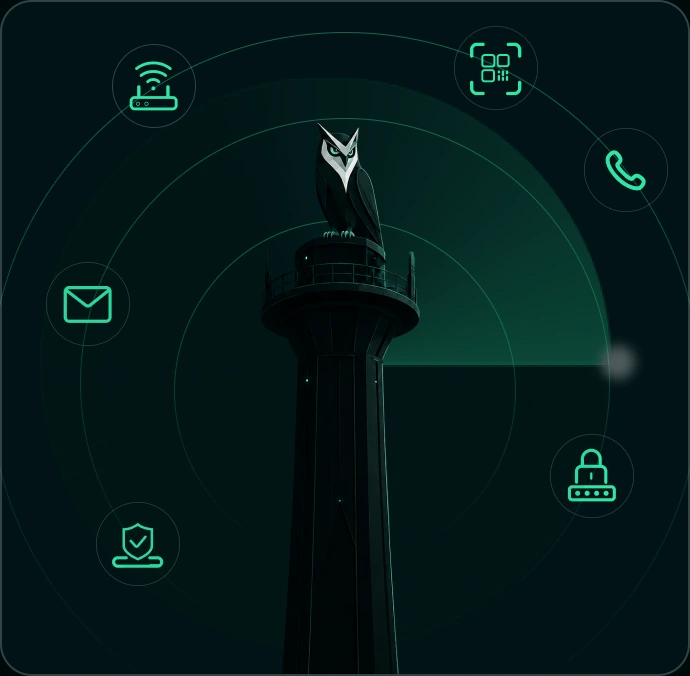
A Mistero owl keeping watch from the top of a lighthouse

Site Protection

Mistero checks the sites you visit for phishing and malware risks, flagging danger before you enter any information.

QR Code Scanning

Scan a QR code, and Mistero checks where it leads before you visit it.

Email Breach Check

Mistero checks whether your email has appeared in a data breach, so you know when it’s time to change a password.

Call & Text Screening

Mistero blocks known scam calls and texts, and flags suspicious ones so you can decide for yourself.

Wi-Fi Safety Check

Mistero checks the Wi-Fi you’re connected to for hidden risks, so public networks don’t catch you off guard.

More Ways to Stay Protected

From checking password strength to removing hidden data in your photos, Mistero covers the details other tools miss.

Protection you can see. Risks you don’t have to worry about.

Mistero keeps watch for web, scam, and privacy risks so you can browse with confidence.
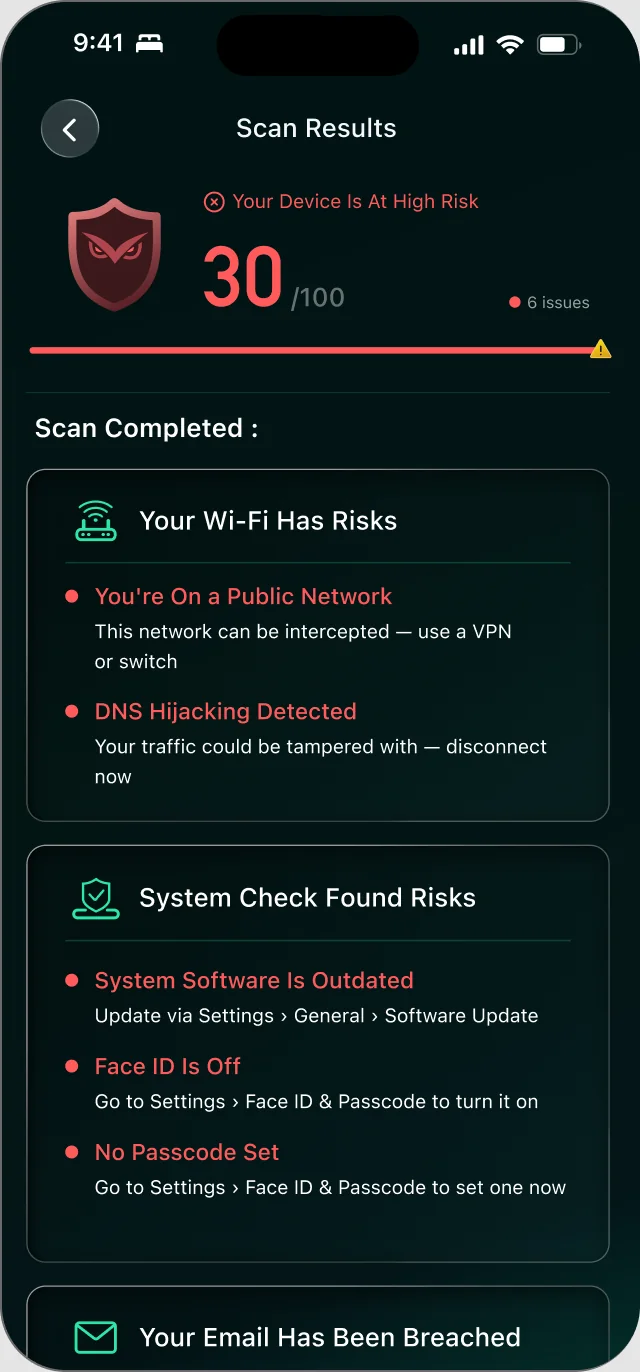
Scan results without Mistero: a device score of 30 out of 100 and six open risks
The same device with Mistero on: no hidden risks

WHAT MISTERO WATCHES

See risks before they become problems

Mistero checks the security signals that matter across your device, accounts, and browsing — then brings the results together in one clear view.

Your security at a glance

98/ 100

Security Scan

  • Web ProtectionNo malicious sites detected
  • Scan ProtectionNo suspicious activity

  • Privacy Protection3 settings reviewed

No hidden risks foundYour device and privacy look secure.

A lighthouse under a Mistero shield, watching over a city at night

Clear answers for every security finding.

Mistero explains what was detected, why it matters, and what you can do next — without burying you in technical details.

Recent Security Activity

  • Suspicious link blockedA potentially unsafe domain was stopped before it could load.
  • Privacy setting reviewedAn unnecessary permission was identified and is ready for review.

Last Scan · Just now

One check. A clearer view of your security.

Mistero reviews the security signals that matter across the networks you join, the accounts you use and the content you open or share. It brings the results together in one clear view, helping you understand what’s protected, what may need attention and what you can do next.

Check My Security

Frequently asked questions

What does Mistero Security protect me from?

Malicious links and unsafe sites, data breaches, risky Wi-Fi, and scam calls and texts. Mistero checks for these risks and flags what needs your attention.

Is this the same as antivirus software?

Not exactly. Mistero doesn't scan your files for viruses — it focuses on the risks you run into every day: unsafe links and sites, leaked data, risky Wi-Fi, and scam calls and texts. See how to check an iPhone for viruses.

Which iPhone security settings should I check?

Start with the basics: iOS up to date, a passcode, Face ID or Touch ID, and Stolen Device Protection turned on. Mistero's scan reviews your iOS version, passcode and Face ID status for you; Stolen Device Protection is in Settings → Face ID & Passcode. What Stolen Device Protection does.

How do I know if a link or site is dangerous?

Mistero checks the sites and links you interact with — including QR codes — and tells you if something looks unsafe before you tap through.

Is this a subscription or one-time purchase?

Both. Mistero Security is part of the Mistero app, which is available as an auto-renewing subscription — new subscribers can start with a 3-day free trial — or as a one-time Lifetime purchase that doesn't renew. Subscriptions renew until you cancel; you can cancel anytime in your Apple subscription settings (Settings → your name → Subscriptions). The App Store purchase screen shows the current plans and prices before you confirm.