iPhone cleaner — storage back, without the digging.

The Cleaner scans your photo library on-device, groups duplicates and near-identical shots, and deletes only what you approve.

Get Mistero
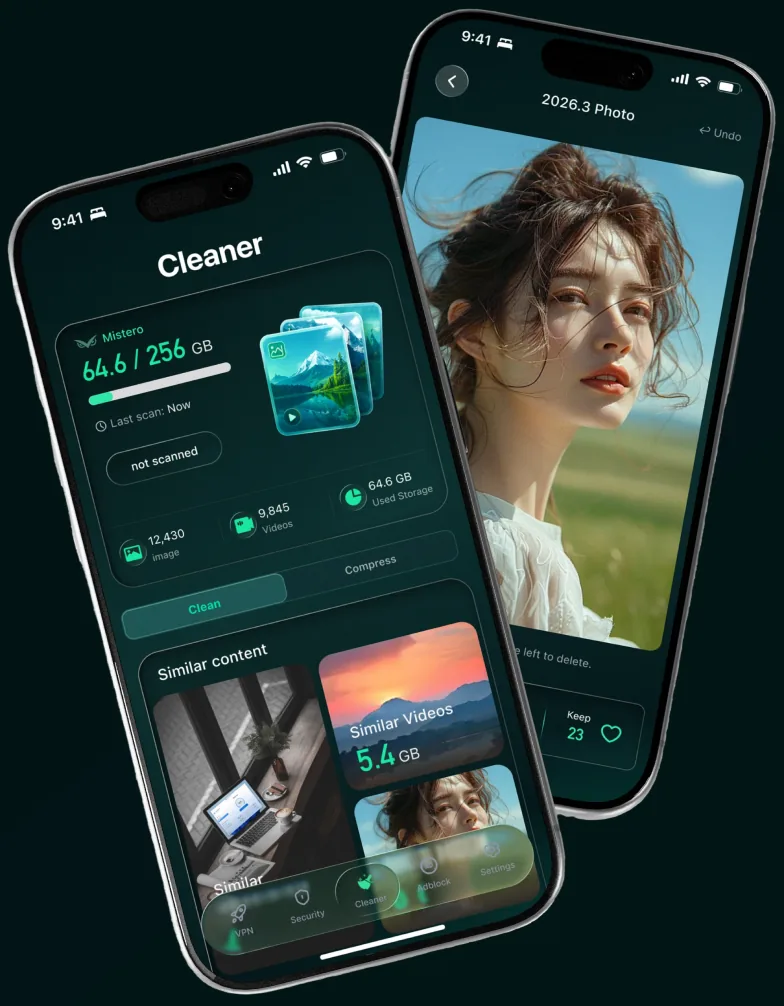
A phone reclaiming storage as duplicate photos are removed

Your media library keeps growing

Repeated shots, oversized videos and forgotten screenshots quietly consume your storage.

Repeated shots

Similar photos and repeated saves accumulate over time.

Oversized videos

A few long recordings can occupy several gigabytes.

Forgotten screenshots

Old captures remain long after they’re useful.
  • Photo
  • Videos
  • Other
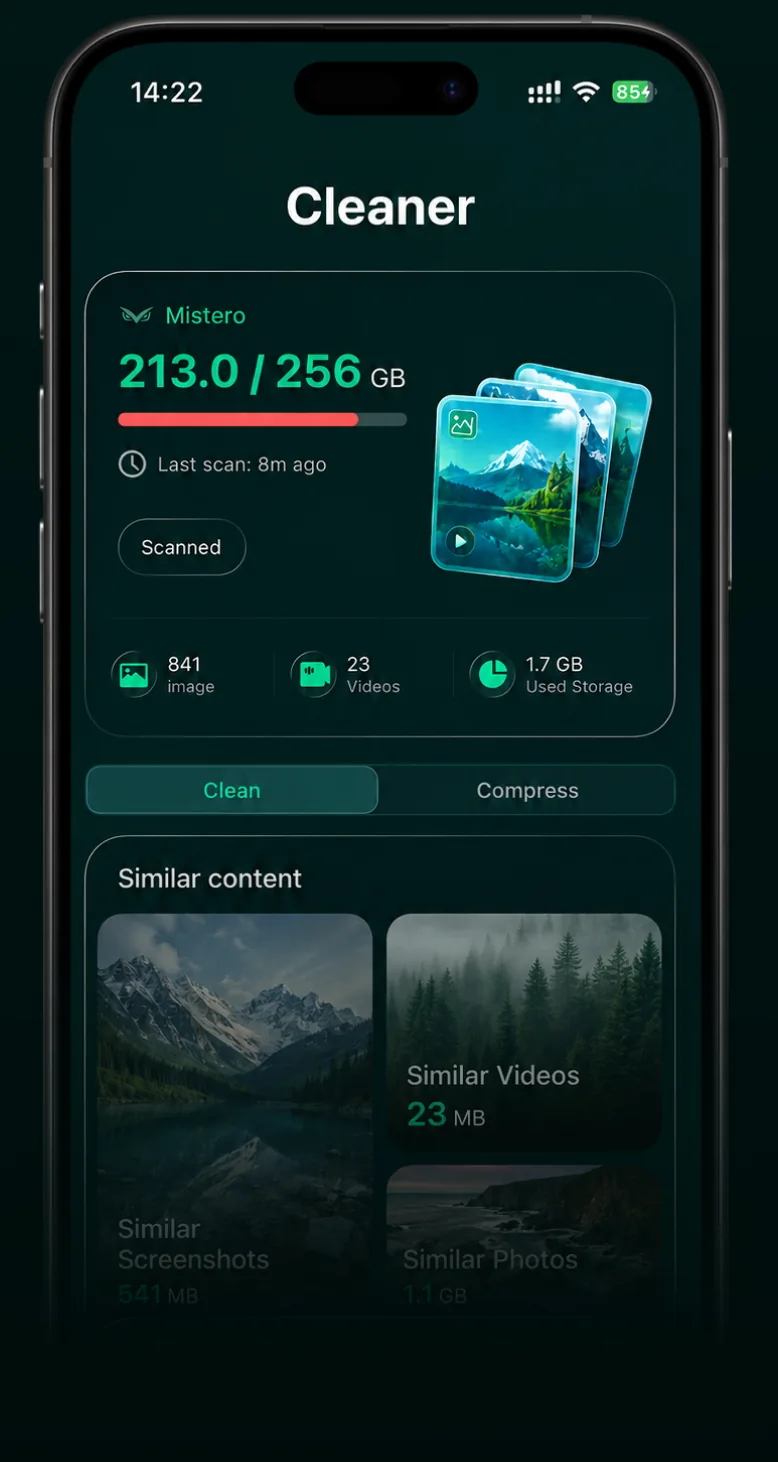
The Mistero Cleaner after a scan, with similar photos and videos grouped by size

SMART MEDIA REVIEW

WHY MISTERO

Mistero shows you where to start

One scan groups similar and space-heavy media into clear results, ready for you to review.

Nothing is removed until you approve it

Duplicate Photos423 items · 6.2 GB
Large Videos32 groups · 12.4 GB
Photo Cleanup1,245 items · 3.8 GB

Review what matters. Keep what you want.

START WITH WHAT TAKES UP THE MOST

Less searching. Better decisionsClear what you don’t need. Keep what matters.

Mistero reduces the work of finding and comparing media while keeping every choice in your hands.

START WITH WHAT TAKES UP THE MOST

See where your storage is going

Large videos are ranked by size, helping you find the biggest opportunities without searching through your library.

5.2
GBReady to review across 3 videos

Screen Recording2.8GB

Travel Video1.6GB

Downloaded Clip840MB

BEST
Similar
Similar
Similar
3 Selected · 186 MBReview Selection

Compare similar photos at a glance

Mistero groups similar shots together and highlights the strongest one, making it easier to choose what stays.

Nothing is deleted without your approval.

YOU’RE IN CONTROL

Review before anything is removed.

Mistero organizes your media into clear suggestions. You decide what to keep or delete — and nothing changes until you confirm.

24.6GB

Ready to review

Review My Media

Suggestions only. Nothing is deleted automatically.
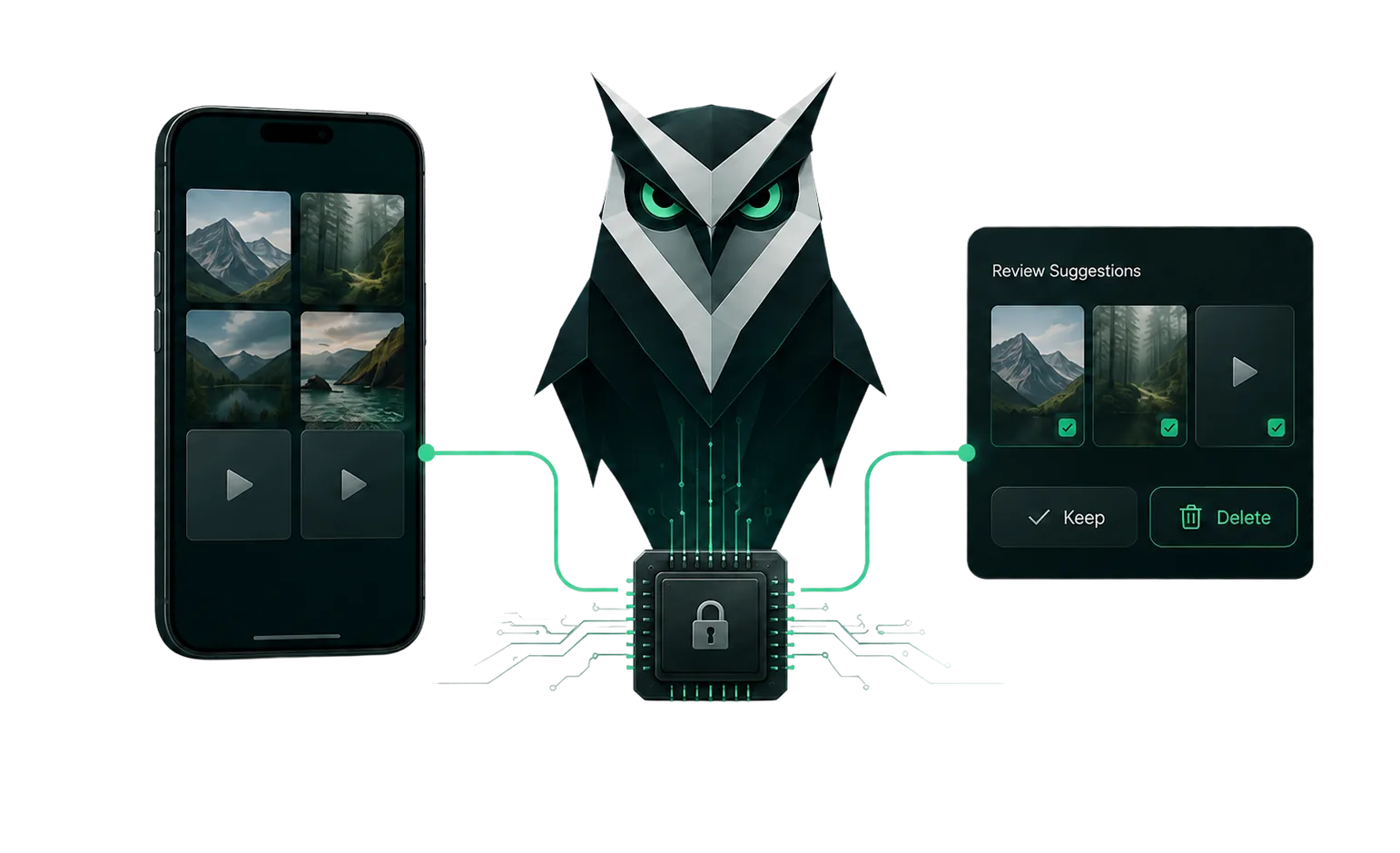
  • On your device
  • Local analysis
  • Grouped for review
Photos leaving a phone, analysed on-device, and coming back grouped for review

Frequently asked questions

Will Mistero Cleaner delete my personal photos?

Never. Mistero only suggests what looks like junk — duplicates, similar shots, and oversized videos — and nothing gets deleted until you review and approve it yourself.

How much space can I free up?

It depends on your library, but Mistero shows you exactly what’s taking up space — duplicate photos, oversized videos, and old screenshots are usually the biggest wins.

Does it work without internet?

Yes. Mistero analyzes your photos and videos locally, right on your device, so scanning and organizing your library doesn’t require an internet connection.

Is my data safe during cleaning?

Yes. Everything is analyzed locally on your device, and nothing is deleted until you review and approve each suggestion yourself.

Is there a free iPhone cleaner?

Your iPhone has a basic one built in: Settings > General > iPhone Storage shows what takes up space and suggests fixes such as offloading apps you don't use. Mistero Cleaner goes further in your photo library, finding similar photos, screenshots and large videos for you to review. It's part of the Mistero app, which new subscribers can try free for 3 days.

Is this a subscription or one-time purchase?

Both. Mistero Cleaner is part of the Mistero app, which is available as an auto-renewing subscription — new subscribers can start with a 3-day free trial — or as a one-time Lifetime purchase that doesn't renew. Subscriptions renew until you cancel; you can cancel anytime in your Apple subscription settings (Settings → your name → Subscriptions). The App Store purchase screen shows the current plans and prices before you confirm.