iCloud Private Relay vs VPN on iPhone: Which One, or Both?
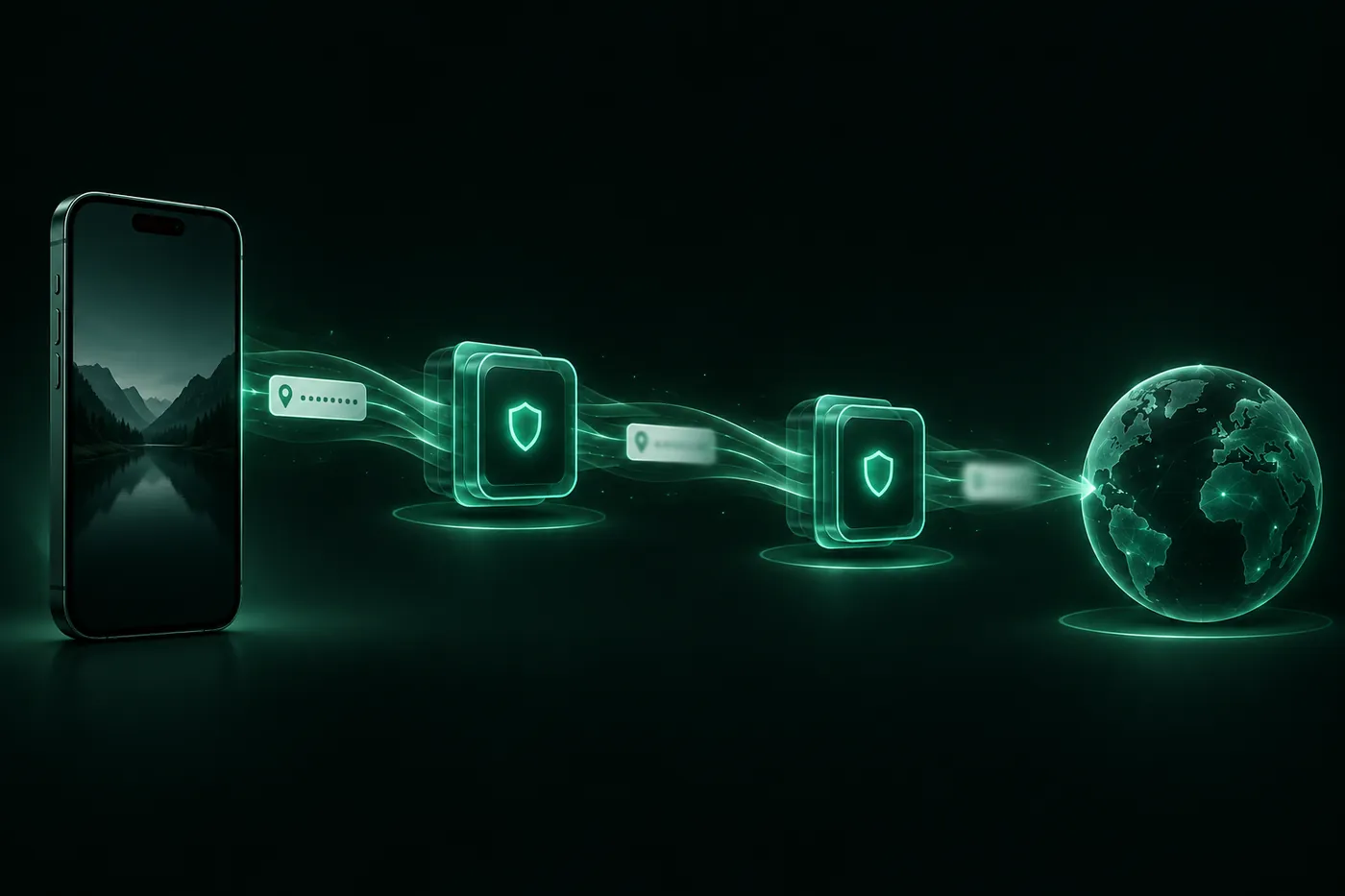
Private Relay covers Safari and splits what each relay sees. A VPN covers every app through one provider. With both on, iPhone uses the VPN. How to choose.
 Marco Lee
iCloud Private Relay and a VPN both keep websites from seeing your IP address, but they cover different things. Private Relay protects Safari browsing, DNS lookups and unencrypted app traffic, and no single company sees both who you are and where you go. A VPN covers every app through one provider. You can leave both switched on, but while the VPN is connected your iPhone uses the VPN, not Private Relay.
Private Relay vs VPN, side by side
| iCloud Private Relay | VPN | |
|---|---|---|
| Covers | Safari browsing, DNS lookups, unencrypted app traffic | Every app, while it’s connected |
| Who sees your traffic | Two relays run by different companies, each sees half | One provider |
| Location websites see | Your own region, city-level or country and time zone | The VPN server’s location |
| What you need | iCloud+ | A VPN app |
| Where it works | Not available in all countries or regions | Depends on the provider |
| With both on | Steps aside while the VPN is connected | Takes over |
The sources for each row are in the sections below.
What Private Relay covers, and what it leaves out
Apple’s support page describes it as a feature that “helps protect your privacy when you browse the web in Safari” (Apple Support). The developer page gives the full list: “Private Relay protects users’ web browsing in Safari, DNS resolution queries, and insecure http app traffic” (Apple Developer).
That list is the limit. Safari, DNS lookups, and app traffic that isn’t encrypted. An app that makes its own encrypted connection, which is most of them, isn’t on it, so that app’s server still sees your real IP address.
Inside that scope, the design is the point. “When Private Relay is enabled, your requests are sent through two separate, secure internet relays.” The first is “operated by Apple” and sees your IP address but not the site. The second is “operated by a third-party content provider” and “generates a temporary IP address, decrypts the name of the website you requested, and connects you to the site” (Apple Support). Apple’s privacy page puts the result in one line: “no single entity has the information to identify both you and the sites you visit” (Apple).
One more limit: you stay where you are. “Private Relay preserves the region the user is in” (Apple Developer). Under Settings > [your name] > iCloud > Private Relay > IP Address Location you choose between Maintain General Location and Use Country and Time Zone (Apple Support). There’s no list of other places to pick from.
What a VPN covers
A VPN sends your iPhone’s traffic through the provider’s server, for every app, for as long as it’s connected. Websites and app servers see the server’s address instead of yours. What a VPN actually changes goes through it step by step.
The trade-off is trust. Apple’s overview draws the line itself: “Unlike a traditional VPN, iCloud Private Relay’s dual-hop architecture ensures no single party has access to both the user’s IP address and the details of their browsing activity” (Apple). With a VPN, one company is in a position to see both. So which VPN you pick matters more than whether you use one: is a VPN safe? covers what to check.
Can you use Private Relay and a VPN together?
You can leave both turned on. They don’t stack.
Apple’s developer documentation: “When a VPN configuration is active, connections use the VPN instead of iCloud Private Relay” (Apple Developer). The overview says the same from the other side: “If a device has a VPN installed, for either enterprise or personal reasons, traffic that goes through the VPN will not use Private Relay” (Apple).
So while the VPN is connected, your browsing in Safari goes through the VPN like everything else, and the two-relay protection isn’t in use. Apple’s wording is about traffic that goes through the VPN, so once you disconnect, Private Relay is what’s left for Safari.
In practice I keep Private Relay switched on in iCloud settings all the time, and I connect a VPN when I want every app covered. I don’t turn one off to use the other.
Where Private Relay isn’t available
“iCloud Private Relay is not available in all countries or regions” (Apple Support). Apple’s feature availability page lists where it is offered: 160 countries and regions when I read it on Nov 16, 2026, including the United States, the United Kingdom, Japan, South Korea, Brazil and Spain. China mainland, Russia, Saudi Arabia, Egypt, South Africa and the Philippines were not on the list (Apple).
It follows you when you travel: “If you travel somewhere that Private Relay isn’t available, it automatically turns off. It will turn on again when you re-enter a country or region that supports it. Private Relay notifies you when it’s unavailable and when it’s active again” (Apple Support).
Some networks don’t work with it either. Apple names networks that need to audit traffic or filter it, “such as business or education networks,” and services “like parental controls.” If you get a message that a network isn’t compatible, Apple’s answer is to “turn off Private Relay for that specific cellular or Wi-Fi network” (Apple Support). On a school or work network, that’s the network’s rule, and the person to ask is whoever runs it.
The August 2026 fix: keep iOS updated
Private Relay is software, and software has bugs. Apple’s security notes for iOS 26.6.1, released August 17, 2026, list two fixes with the same impact line: “A website may be able to determine a user’s IP address with Private Relay turned on.” One is under Authentication Services (CVE-2026-65355) and one under WebKit (CVE-2026-65352). Both were “addressed with improved state management,” and both entries were added to the notes on September 14, 2026 (Apple Support).
What I take from it: Private Relay only protects you as well as the iOS version you’re running. If your iPhone is still on something older than iOS 26.6.1, update.
Which one should you use?
- You pay for iCloud+ and mostly want private browsing in Safari: turn on Private Relay and leave it on. It costs nothing extra, and you don’t hand everything to one company.
- You want every app covered, not just Safari: that’s a VPN. Private Relay doesn’t reach apps that make their own encrypted connections.
- You want websites to see a different location: that’s a VPN too. Private Relay keeps your region.
- You’re on public Wi-Fi: Private Relay keeps the network from collecting your browsing in Safari, and a VPN does it for every app. Is public Wi-Fi safe? has the details.
- You don’t have iCloud+: Safari’s Hide IP Address and Limit IP Address Tracking are free and built in. How to hide your IP address on iPhone walks through each switch.
To see which one is working right now, open our free what is my IP page in Safari with each setting and compare the address.
Where Mistero fits
Mistero is a VPN, so it’s on the one-provider side of this comparison. While it’s connected, iOS uses it instead of Private Relay, for Safari and for every other app. When you disconnect, Private Relay takes over again for Safari if you have it turned on.
Because a VPN asks for more trust than Private Relay does, read what a provider says it keeps before you install it. Ours is on the no-logs page. More on Mistero VPN.
Sources
- Apple Support, About iCloud Private Relay: https://support.apple.com/en-us/102602 (read Nov 16, 2026)
- Apple Support, Manage iCloud Private Relay for specific websites, networks, or system settings: https://support.apple.com/en-us/102022 (read Nov 16, 2026)
- Apple Support, Protect your web browsing with iCloud Private Relay on iPhone (iPhone User Guide): https://support.apple.com/guide/iphone/protect-web-browsing-icloud-private-relay-iph499d287c2/ios (read Nov 16, 2026)
- Apple Developer, Prepare your network or web server for iCloud Private Relay: https://developer.apple.com/support/prepare-your-network-for-icloud-private-relay/ (read Nov 16, 2026)
- Apple Developer, Personal VPN: https://developer.apple.com/documentation/networkextension/personal-vpn (read Nov 16, 2026)
- Apple, iCloud Private Relay Overview (December 2021): https://www.apple.com/icloud/docs/iCloud_Private_Relay_Overview_Dec2021.pdf (read Nov 16, 2026)
- Apple, iCloud Private Relay & Privacy: https://www.apple.com/legal/privacy/data/en/icloud-relay/ (read Nov 16, 2026)
- Apple, iOS and iPadOS Feature Availability, iCloud: Private Relay: https://www.apple.com/ios/feature-availability/ (read Nov 16, 2026)
- Apple Support, About the security content of iOS 26.6.1 and iPadOS 26.6.1: https://support.apple.com/en-us/148282 (read Nov 16, 2026)
Pricing New subscribers can start a 3-day free trial. After the trial, the subscription renews automatically at $12.99 per week unless you cancel at least 24 hours before the trial ends, in Settings > [your name] > Subscriptions (Apple Support). There's also a one-time Lifetime purchase for $99.99. These are US App Store prices as of October 2026; the purchase screen shows the current price before you confirm.
Frequently asked questions
Is iCloud Private Relay a VPN?
Can I use Private Relay and a VPN at the same time on iPhone?
Is Private Relay better than a VPN?
Does Private Relay hide my IP address in apps?
Why is Private Relay unavailable on my iPhone?
 VPN in Control Center on iPhone: Add It, Remove It, iOS 27.3How to add or remove the VPN control in Control Center on iPhone, why a VPN turns on by itself, and what the iOS 27.3 beta changes about switching VPNs.
 Is a VPN Legal in the UK? What Parliament Decided in 2026Using a VPN is legal in the UK. In 2026 the Lords voted to bar VPN services for under-18s, the Commons disagreed, and the government says it won't ban them.
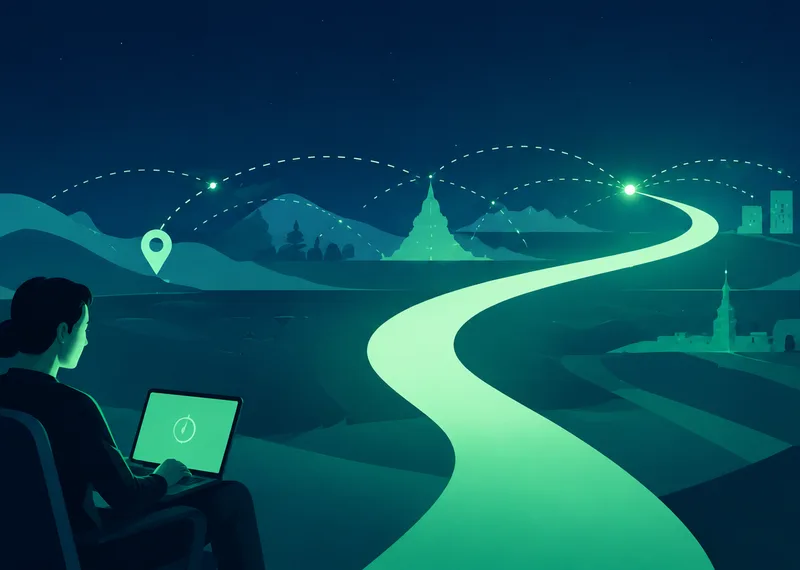 What a VPN Actually Changes When You Go OnlineA VPN changes the route your internet traffic takes and adds a protected connection between your device and a VPN service. Understanding that boundary makes it easier to know when a VPN helps and what it cannot replace.