Private Browsing on iPhone: What It Hides and What It Doesn't
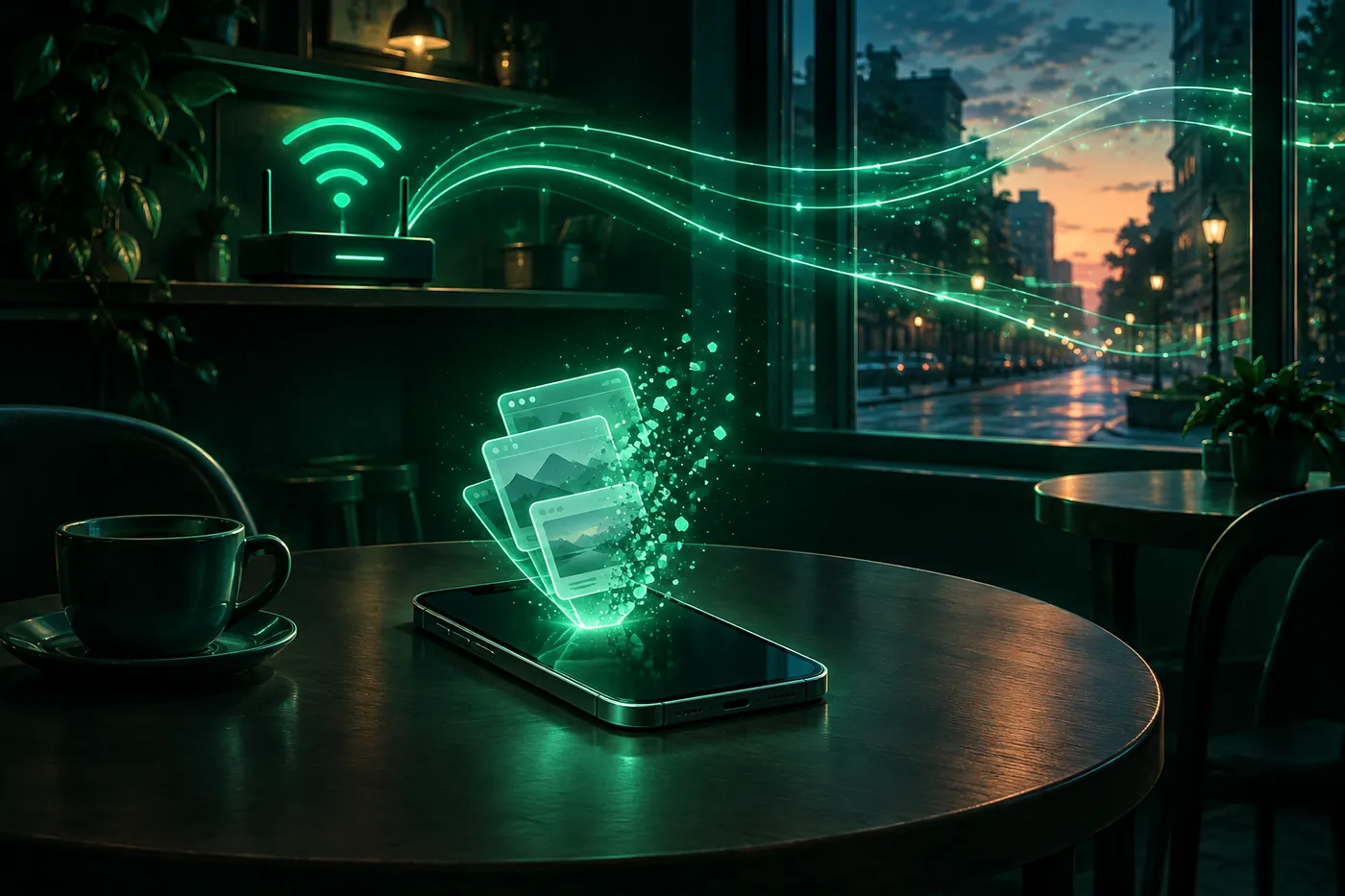
Private Browsing stops Safari saving your history and AutoFill on iPhone. It doesn't hide your browsing from the Wi-Fi network or your IP from websites.
 Marco Lee
Private Browsing on iPhone changes what Safari keeps on your phone. Private tabs don’t appear in History, Safari doesn’t remember your searches or AutoFill information, and the tabs aren’t shared with your other Apple devices. It doesn’t hide your browsing from the Wi-Fi network, your internet provider, or a school or employer, and on its own it doesn’t hide your IP address from websites. A VPN does a different job: it changes the connection, not what Safari saves.
What Private Browsing hides on iPhone
Apple’s support article puts it in one line: “With Private Browsing, Safari won’t remember the pages you visit, your search history, or your AutoFill information” (Apple Support). The iPhone User Guide for iOS 27 adds that private tabs “don’t appear in History on iPhone or in the list of tabs on your other devices,” and that “Tabs in Private Browsing aren’t shared with your other Apple devices, even if you’re signed in to the same Apple Account” (iPhone User Guide).
The full list from Apple’s pages:
- History and searches. Not kept, as above.
- AutoFill. Safari doesn’t remember what you typed into forms.
- Open tabs. Not shared with your iPad or Mac, even on the same Apple Account.
- What websites store on your iPhone. Apple’s Safari privacy notice: “Websites can’t modify information stored on your device, so services normally available at such sites may work differently until you turn off Private Browsing” (Apple).
- Trackers. Apple’s support article, last updated in May 2026: “Private Browsing also blocks known trackers, removes tracking used to identify individual users from URLs, and adds protections against advanced fingerprinting techniques” (Apple Support). You can get the same protections in normal tabs; the settings are in prevent cross-site tracking on iPhone.
- Extensions. “Any Safari extensions you have installed that have access to browsing data are automatically turned off in Private Browsing” (iPhone User Guide).
So Private Browsing mostly protects you from people who pick up your iPhone, from your own other devices, and from some tracking. That’s useful. It’s also where it stops.
What Private Browsing doesn’t hide
The Wi-Fi network and your internet provider
Apple says it plainly on its Private Relay page: “Normally when you browse the web, information contained in your web traffic, such as your DNS records and IP address, can be seen by your network provider and the websites you visit” (Apple Support).
None of Apple’s Private Browsing pages says private tabs change that. Apple gives that job to a different feature, iCloud Private Relay, which “prevents network providers from collecting your browsing activity in Safari” (iPhone User Guide). A private tab on café Wi-Fi crosses the same network as a normal tab. Is public Wi-Fi safe? goes through what other people on a network can and can’t see.
A school or employer
Schools and companies can filter the iPhones they manage and the networks they run. Apple’s deployment guide describes a global HTTP proxy that schools and businesses use for content filtering on devices they own, and says: “It allows the devices to be filtered both at school or business and at home” (Apple Platform Deployment). Private Browsing doesn’t change any of that. On their network or their iPhone, their rules apply. If you want to know what they can see, ask them.
Your IP address
Apple’s Private Browsing pages don’t say it hides your IP address from websites. The Safari setting that deals with your IP address is Hide IP Address: “Safari automatically protects your IP address from known trackers. For eligible iCloud+ subscribers, your IP address is protected from trackers and websites as you browse in Safari. If this option is off, your IP address isn’t hidden” (iPhone User Guide). That setting is for Safari as a whole, normal tabs and private ones. Without iCloud+ Private Relay or a VPN, the websites you visit see your IP address.
You can check it: What is my IP shows the address websites see. Open it in a normal tab and in a private tab and compare. How to hide your IP address on iPhone compares the ways to change it.
Sites you sign in to
If you sign in to an account in a private tab, that site knows it’s you; that’s what signing in does. Apple makes a related point about clearing your history: it “doesn’t clear any browsing histories kept independently by websites you visited” (iPhone User Guide).
Screen Time
Apple says Screen Time gives you information about time on your devices, “including which apps and websites you use and for how long” (iPhone User Guide). Apple’s Private Browsing pages say private tabs stay out of Safari’s History. I found no Apple page that says Screen Time leaves private tabs out, so I wouldn’t assume it does.
Who can see what
| Who | Normal tab | Private tab |
|---|---|---|
| Someone else using your iPhone | Pages appear in Safari’s History | Private tabs don’t appear in History |
| Your other Apple devices | Open tabs and history stay up to date across devices signed in to iCloud | Not shared |
| Trackers | Safari limits third-party cookies and data by default | Known trackers blocked, URL tracking removed, fingerprinting protections added |
| Websites you visit | See your IP address unless Private Relay or a VPN is on | Same |
| The Wi-Fi network and your internet provider | Can normally see DNS records and your IP address | Same |
| A school or employer that manages the iPhone or network | Can filter | Same |
Sources for the table: the iOS 27 iPhone User Guide pages on Private Browsing and Safari settings, Apple Support on Private Browsing and Private Relay, and Apple’s deployment guide.
How to open, lock and leave Private Browsing on iOS 27
From the iOS 27 iPhone User Guide (Apple Support):
- Open Safari and tap the Tabs button.
- “Swipe right on the tab bar at the bottom of the screen until Private Browsing opens, then tap Unlock.”
- To leave, tap the Tabs button, then swipe left to a Tab Group. “The websites you have open in Private Browsing stay open, and Private Browsing locks.”
Apple’s support article, published in May 2026 before iOS 27 came out, gives another route: tap the More button, then New Private Tab, and to go back, the More button, then New Tab. “While Private Browsing is on, the Safari address bar appears black or dark instead of white or gray” (Apple Support).
Locking. “If you have a passcode set on your iPhone, Private Browsing locks when it’s not in use. Private Browsing may not lock immediately.” The switch is in Settings > Apps > Safari: Require Face ID to Unlock Private Browsing, or Touch ID or Passcode, depending on your iPhone (iPhone User Guide).
A separate search engine. Private Browsing can use a different search engine from normal tabs: in Settings > Apps > Safari, turn off Also Use in Private Browsing, then tap Private Search Engine (iPhone User Guide).
Why Private Browsing isn’t working on iPhone
- It’s locked. With a passcode set, Private Browsing locks when you’re not using it. Tap Unlock and use Face ID, Touch ID or your passcode.
- You’re looking in a different place. On iOS 27, Apple’s guide says to open the Tabs view and swipe right on the tab bar until Private Browsing opens, as above.
- A site works differently in it. Apple says websites can’t modify information stored on your device in Private Browsing, so “services normally available at such sites may work differently” (Apple). Extensions that read browsing data are also off in private tabs.
- It’s turned off on this iPhone. Apple’s device management documentation, which schools and companies use to manage iPhones, has a restriction that “disables the ability to use private browsing in Safari” (Apple Developer). Parents can also filter web content in Screen Time (Apple Support). I couldn’t find an Apple page that says which Screen Time settings affect Private Browsing, so I won’t guess.
If Private Browsing is missing on an iPhone that a parent, school or employer manages, it may be set that way on purpose. Ask them. I don’t cover how to change or get around a restriction you didn’t set, here or anywhere on this site. A related message is covered in Website Not Allowed on iPhone.
Private Browsing vs a VPN
They answer different questions. Private Browsing decides what Safari keeps on your iPhone. A VPN changes the path your traffic takes. NIST’s definition: “A VPN is a virtual network built on top of existing physical networks that provides a secure communications mechanism for data and control information transmitted between computers or networks” (NIST SP 800-77 Rev. 1).
| Private Browsing | A VPN | |
|---|---|---|
| Changes what Safari saves | Yes: no History, searches or AutoFill | No |
| Changes the IP address websites see | Not by itself | Yes, they see the VPN server’s address (details) |
| Who you trust | Safari on your own iPhone | The VPN provider, which can see where your traffic goes |
The last row is the trade-off. Apple’s own comparison: “Unlike a traditional VPN, iCloud Private Relay’s dual-hop architecture ensures no single party has access to both the user’s IP address and the details of their browsing activity” (Apple). With a VPN, one company can see both, so which one you pick matters: is a VPN safe? covers what to check. If you want something in between for Safari, read iCloud Private Relay vs VPN on iPhone.
You can use both at once: a private tab with a VPN connected. To see the address change, open What is my IP with the VPN off, then on. On a school or work network or iPhone, a VPN isn’t a way around their rules either.
Where Mistero fits
Mistero VPN is a VPN app. It changes the connection, not what Safari saves, so it doesn’t replace Private Browsing, and Private Browsing doesn’t replace it. The case it’s built for is open Wi-Fi in cafés, hotels and airports. It isn’t for getting around a parent’s, school’s or employer’s restrictions.
Whether to leave it on all the time is a separate question: should VPN be on or off on iPhone? More on Mistero VPN.
Sources
From Apple:
- Apple Support, Turn Private Browsing on or off on your iPhone: https://support.apple.com/en-us/105030 (read Nov 20, 2026)
- Apple Support, Browse the web privately in Safari on iPhone (iPhone User Guide, iOS 27): https://support.apple.com/guide/iphone/browse-privately-iphb01fc3c85/ios (read Nov 20, 2026)
- Apple Support, Customize your Safari settings on iPhone (iPhone User Guide, iOS 27): https://support.apple.com/guide/iphone/customize-your-safari-settings-iphb3100d149/ios (read Nov 20, 2026)
- Apple Support, Clear your cache and cookies on iPhone (iPhone User Guide, iOS 27): https://support.apple.com/guide/iphone/clear-your-cache-and-cookies-iphacc5f0202/ios (read Nov 20, 2026)
- Apple Support, Set up Screen Time for yourself on iPhone (iPhone User Guide, iOS 27): https://support.apple.com/guide/iphone/set-up-screen-time-for-yourself-iphbfa595995/ios (read Nov 20, 2026)
- Apple, Safari & Privacy: https://www.apple.com/legal/privacy/data/en/safari/ (read Nov 20, 2026)
- Apple Support, About iCloud Private Relay: https://support.apple.com/en-us/102602 (read Nov 20, 2026)
- Apple, iCloud Private Relay Overview (December 2021): https://www.apple.com/icloud/docs/iCloud_Private_Relay_Overview_Dec2021.pdf (read Nov 16, 2026)
- Apple Support, Set up parental controls to manage your child’s iPhone or iPad: https://support.apple.com/en-us/105121 (read Nov 20, 2026)
- Apple Platform Deployment, Filter content for Apple devices: https://support.apple.com/guide/deployment/filter-content-dep1129ff8d2/web (read Nov 20, 2026)
- Apple Developer, Restrictions (device management), allowSafariPrivateBrowsing: https://developer.apple.com/documentation/devicemanagement/restrictions (read Nov 20, 2026)
Other:
- NIST, SP 800-77 Rev. 1, Guide to IPsec VPNs (June 2020): https://nvlpubs.nist.gov/nistpubs/SpecialPublications/NIST.SP.800-77r1.pdf (read Nov 20, 2026)
Pricing New subscribers can start a 3-day free trial. After the trial, the subscription renews automatically at $12.99 per week unless you cancel at least 24 hours before the trial ends, in Settings > [your name] > Subscriptions (Apple Support). There's also a one-time Lifetime purchase for $99.99. These are US App Store prices as of October 2026; the purchase screen shows the current price before you confirm.
Frequently asked questions
Is Private Browsing on iPhone actually private?
Does Private Browsing show up on Wi-Fi?
Does Private Browsing hide my IP address?
Is Private Browsing the same as a VPN?
Why is Private Browsing not working on my iPhone?
Does Private Browsing show up in Screen Time?
 What a VPN Actually Changes When You Go OnlineA VPN changes the route your internet traffic takes and adds a protected connection between your device and a VPN service. Understanding that boundary makes it easier to know when a VPN helps and what it cannot replace.
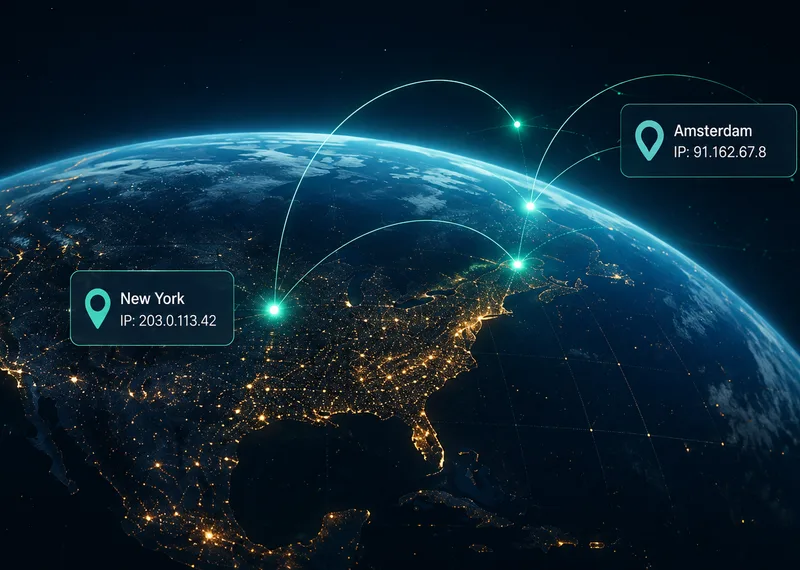 How Does a VPN Change Your IP Address?A VPN swaps the address websites see for the VPN server's. What changes, what doesn't, how to check your IP before and after, and how a real IP can leak.
 Why a VPN Matters When Your Network Keeps ChangingYour online routine may stay the same while the network carrying it changes throughout the day. A VPN gives you a deliberate way to add a protected connection layer when you move between familiar and unfamiliar networks.