Black Friday Scams 2026: Fake Deals, Texts and Emails on iPhone
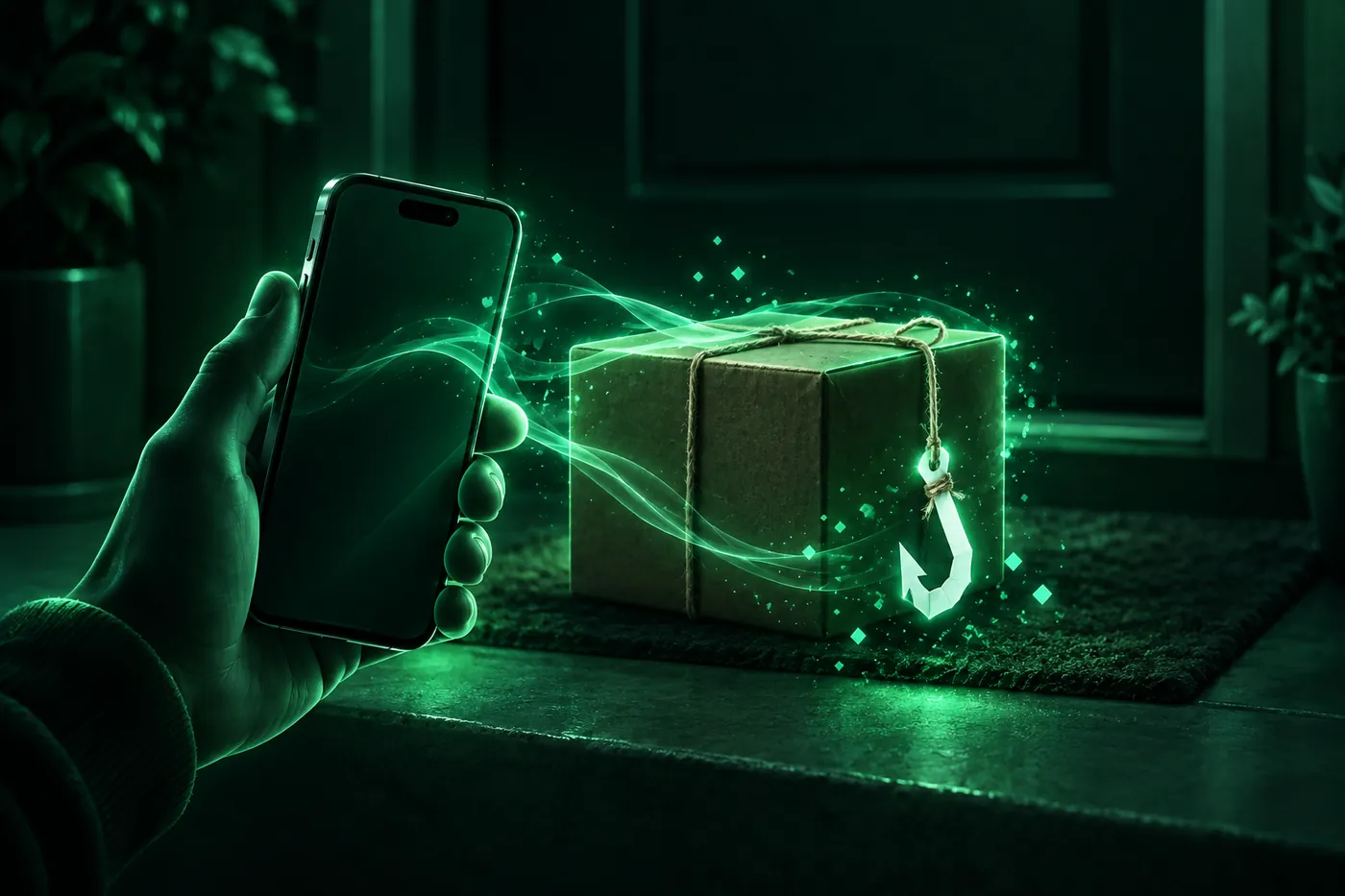
Black Friday scams to watch for in 2026: fake deal sites and ads, delivery texts, phishing emails, QR codes and gift-card payments. How to spot each one.
 Marco Lee
Black Friday scams are mostly the usual scams dressed up as deals: fake shops behind ads and search results, texts about deliveries and tolls, phishing emails that look like a store, QR codes, and sellers who want to be paid with gift cards, wire transfers, payment apps or crypto. The fixes are the same each time. Check a link before you tap it, go to the store’s site or app yourself, and pay by credit card.
Fake deal sites, ads and search results
The FTC’s 2024 holiday alert describes fake shops advertised on social media: “Unusually low prices are a sign of a scam” (FTC). Its 2025 alert adds that scammers “sometimes impersonate real companies and run ads for brand-name products at unusually low prices” (FTC).
Search results aren’t safer by default. This month the FTC warned: “Scammers often use paid search ads, too, and their ads can appear right next to those from legit companies” (FTC). Its advice is to scroll past the top results, and to “Type the company’s web address (if you know it) directly into your browser to find the right site.”
A good-looking site proves nothing. The FBI’s holiday shopping warning says not to “judge a company solely by their website as flashy websites can be set up and taken down quickly” (FBI IC3). Before you buy from a seller you don’t know, the FTC suggests searching for its name plus words like review, complaint or scam (FTC).
Delivery and toll texts
With real orders on the way, a fake delivery text is easier to believe. The FTC lists messages that “send you a package delivery notification” among common scam texts (FTC). Unpaid toll texts follow the same pattern: the FBI’s example threatens “a late fee of $50.00” unless you visit a link (FBI IC3).
Don’t tap the link. Open the carrier’s own app or type its address, and use the tracking number from your order email. The details for the two most common versions are in USPS scam texts and the unpaid toll text, and the whole family is in what is smishing.
Phishing emails that look like a store
CISA’s holiday tips warn that cyber criminals “will often send phishing emails” made to look like they come from retailers, “that have malicious links or that ask for you to input your personal or financial information” (CISA).
The FTC shows what one looks like. In its example, “The email says your account is on hold because of a billing problem” and “invites you to click on a link to update your payment details” (FTC). Apple lists a sign that works for any brand: “A link in a message looks right, but the URL doesn’t match the company’s website” (Apple Support). On iPhone, Apple’s tip for seeing where a link goes is to touch and hold it.
QR codes
The FTC says scammers may “send you a QR code by text message or email and make up a reason for you to scan it”, such as a package they say they couldn’t deliver or a problem with your account (FTC). A code hides its link until you open it. QR code scams explains where they show up, and the free QR code scanner shows the real link from a photo or screenshot first.
Gift cards, wire transfers, payment apps and crypto
How a seller wants to be paid is the clearest sign of all. The FTC: “Never buy from online sellers who demand you pay with gift cards, wire transfers, payment apps, or cryptocurrency. Only scammers tell you to pay that way” (FTC). On gift cards in particular: “No real business or government agency will ever tell you to buy a gift card to pay them” (FTC), and Apple says to “Never use Apple Gift Cards to make payments to other people” (Apple Support).
Pay by credit card where you can. The FTC explains why: if you’re “charged twice, billed for something you never got, or get a wrong or damaged item, you can dispute the charge with your credit card company” (FTC). CISA adds that “There are laws to limit your liability for fraudulent credit card charges, but you may not have the same level of protection for your debit cards” (CISA).
Shopping on public Wi-Fi
The FTC’s view is that public Wi-Fi is “usually safe” today, “Because of the widespread use of encryption”; look for “a lock symbol or https in the address bar” (FTC). The same page warns that scammers “create fake websites and encrypt them to make you think they’re safe when they’re not.” So the lock tells you the connection is private, not that the shop is real.
What other people on a café or airport network can and can’t see is in is public Wi-Fi safe?. A VPN adds its own layer: NIST describes a VPN as providing “a secure communications mechanism for data and control information transmitted between computers or networks” (NIST SP 800-77 Rev. 1). It doesn’t make a fake shop any less fake.
Check before you tap
- Paste it into the link checker. It shows the site a link really goes to and flags scam signs in the link and in the text around it, without opening anything. It can’t tell you a link is safe, only whether it found red flags.
- Scan codes with the QR code scanner instead of opening them blind.
- Go to the store yourself. Type the address or open the app you already have, as the FTC and CISA both advise.
- Report it. Forward scam texts to 7726 (SPAM), which “helps your wireless provider spot and block similar messages in the future” (FTC), tap Report Junk in Messages (Apple Support), and tell the FTC at ReportFraud.ftc.gov (FTC).
If you already paid or typed something
If you typed a password, change it, along with any other account that uses the same one. For a purchase that went wrong, the FTC’s order is to contact the seller first, then “contact the company you used to make the payment to dispute the charges”, and if that fails, report it at ReportFraud.ftc.gov (FTC). If you’re a victim of fraud, the FBI says to “Report to the FBI IC3 at www.ic3.gov as quickly as possible” (FBI IC3).
Where Mistero fits
Mistero VPN encrypts your connection on open Wi-Fi; it can’t spot a fake shop for you, which is what the checks above are for. In the app, Black Friday Safety Week runs from November 22 until December 1: “Shop smarter with VPN and scam protection.” More on Mistero VPN.
Sources
- FTC, How to avoid holiday shopping scams in your search results (November 2026): https://consumer.ftc.gov/consumer-alerts/2026/11/how-avoid-holiday-shopping-scams-your-search-results (read Nov 22, 2026)
- FTC, How to avoid an online shopping scam this holiday season (November 2025): https://consumer.ftc.gov/consumer-alerts/2025/11/how-avoid-online-shopping-scam-holiday-season (read Nov 22, 2026)
- FTC, Don’t let scammers get in the way of your holiday shopping (November 2024): https://consumer.ftc.gov/consumer-alerts/2024/11/dont-let-scammers-get-way-your-holiday-shopping (read Nov 22, 2026)
- FTC, How To Recognize and Report Spam Text Messages: https://consumer.ftc.gov/articles/how-recognize-and-report-spam-text-messages (read Nov 22, 2026)
- FTC, How To Recognize and Avoid Phishing Scams: https://consumer.ftc.gov/articles/how-recognize-and-avoid-phishing-scams (read Nov 22, 2026)
- FTC, Scammers hide harmful links in QR codes to steal your information: https://consumer.ftc.gov/consumer-alerts/2023/12/scammers-hide-harmful-links-qr-codes-steal-your-information (read Nov 22, 2026)
- FTC, Avoiding and Reporting Gift Card Scams: https://consumer.ftc.gov/articles/avoiding-and-reporting-gift-card-scams (read Nov 22, 2026)
- FTC, Are Public Wi-Fi Networks Safe? What You Need To Know: https://consumer.ftc.gov/articles/are-public-wi-fi-networks-safe-what-you-need-know (read Nov 22, 2026)
- FBI IC3, 2023 Holiday Shopping Scams: https://www.ic3.gov/PSA/2023/psa231115 (read Nov 22, 2026)
- FBI IC3, Smishing Scam Regarding Debt for Road Toll Services: https://www.ic3.gov/PSA/2024/PSA240412 (read Nov 20, 2026)
- CISA, Holiday Online Safety tip sheets: https://www.cisa.gov/sites/default/files/2023-11/Holiday%20Online%20Safety_tip%20sheets_2022.pdf (read Nov 22, 2026)
- NIST, SP 800-77 Rev. 1, Guide to IPsec VPNs (June 2020): https://nvlpubs.nist.gov/nistpubs/SpecialPublications/NIST.SP.800-77r1.pdf (read Nov 20, 2026)
- Apple Support, Recognize and avoid social engineering schemes including phishing messages, phony support calls, and other scams: https://support.apple.com/en-us/102568 (read Nov 20, 2026)
Pricing New subscribers can start a 3-day free trial. After the trial, the subscription renews automatically at $12.99 per week unless you cancel at least 24 hours before the trial ends, in Settings > [your name] > Subscriptions (Apple Support). There's also a one-time Lifetime purchase for $99.99. These are US App Store prices as of October 2026; the purchase screen shows the current price before you confirm.
Frequently asked questions
What are the most common Black Friday scams?
How can you tell if a Black Friday deal is fake?
Is a Black Friday text about my package real?
What does a Black Friday phishing email look like?
Is it safe to shop online on public Wi-Fi?
 How to Check If Your iPhone Is HackedMost iPhones that feel hacked aren't. Learn to tell noise from evidence: check signed-in devices, profiles, apps and Safety Check, then act in the right order if you find something.
 iPhone Virus Scan: Why No App Can Do OneNo app can virus-scan an iPhone, because iOS walls each app off from the rest. Here's what a virus warning really is, what to check instead, and a short clean-up routine for when something looks wrong.
 iPhone Security Delay: What It Is and How to Turn It OffSecurity Delay in Progress on your iPhone? It's Stolen Device Protection making you wait an hour. Here's what triggers it, and how to turn it off.