What Is Smishing? How to Spot a Scam Text on iPhone
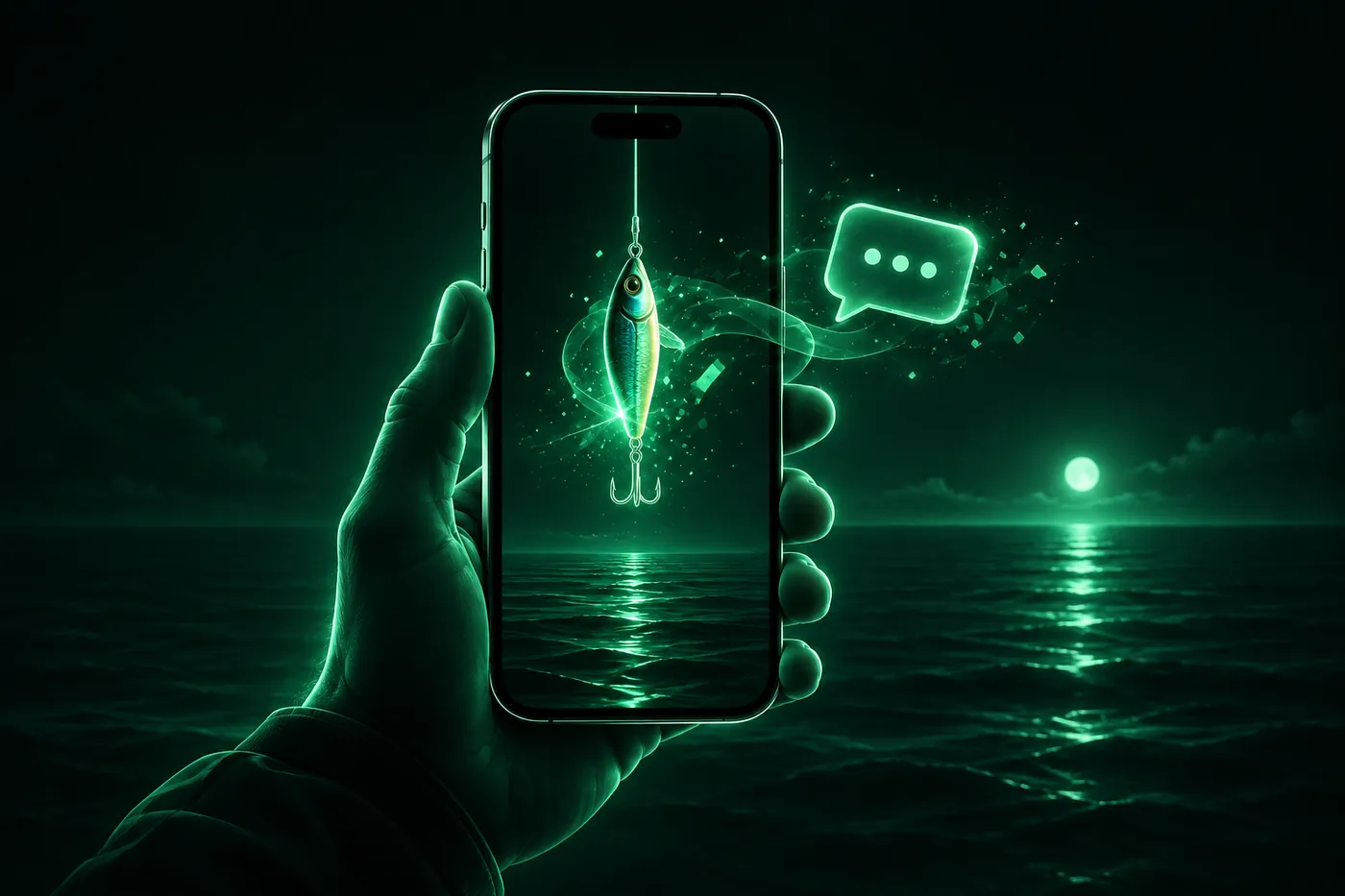
Smishing is phishing by text message. What it is, how it differs from phishing and vishing, the warning signs, and what to do on iPhone if you tapped.
 Marco Lee
Smishing is phishing sent by text message: the word joins SMS and phishing. A scammer texts you a link or a request, posing as a toll agency, a delivery company or your bank, to get you to tap, type in your details or pay. If an unexpected text asks you to click or pay, don’t tap anything. Delete it and report it.
What is smishing?
The FBI’s Internet Crime Complaint Center (IC3) defines smishing as “a social engineering attack using fake text messages to trick people into downloading malware, sharing sensitive information, or sending money to cybercriminals,” and notes that the word combines SMS and phishing (FBI IC3). CISA’s wording is a little broader: “Phishing via text messages to get the victim to click on a link, download files and applications, or begin a conversation” (CISA).
That last part matters. Not every smishing text wants a click. Some only want you to answer, so a real person can start working on you.
Not just SMS
The name says SMS, but the same trick turns up wherever a stranger can message you. Apple’s guidance on scams covers “emails and other messages that look like they’re from legitimate companies” (Apple Support). WhatsApp tells users not to tap, share or forward suspicious or too-good-to-be-true messages, and lets you report the message and block the sender (WhatsApp Help Center). I’d treat an unexpected iMessage, RCS or WhatsApp message exactly like a text.
Smishing vs phishing vs vishing
| Term | Channel | What it is |
|---|---|---|
| Phishing | Email, fake websites | “A form of social engineering that uses email or malicious websites to solicit personal information or to get you to download malicious software” (CISA) |
| Smishing | Text messages | Phishing via text messages (CISA) |
| Vishing | Voice calls | “Phishing via voice communication to entice the victim to engage in conversation and build trust” (CISA) |
So phishing is the family, and smishing and vishing are two members. For the call side, see how to block spam calls on iPhone.
Common smishing texts
Here are the lures I’d expect to see. Each one has a line on what the agencies say.
- Unpaid toll. The FBI described texts claiming an outstanding toll, such as “We’ve noticed an outstanding toll amount of $12.51 on your record,” with a late fee if you don’t “visit” a link (FBI IC3). More in the unpaid toll text scam.
- Package delivery. The FTC says scammers “send you a package delivery notification” that turns out to be fake (FTC). More in fake USPS texts.
- Bank or account alert. Scammers “say they’ve noticed some suspicious activity on your account” when there was none (FTC). For Apple versions, see Apple Account locked?.
- Wrong number. An unknown number sends something harmless like “hi, how are you?”. The FTC calls it “a conversation starter” and says “don’t text back” (FTC). More in wrong number text scams.
- Prize, gift card or invoice. Scammers “promise free prizes, gift cards, or coupons” or send a fake invoice and tell you to contact them if you didn’t authorize the purchase (FTC).
- QR code in a text. The FTC described a text with a QR code claiming you must pay a traffic violation to avoid court, and says “don’t respond, and don’t scan the QR code” (FTC). More in QR code scams.
Warning signs
- Pressure. A late fee, a court date, a locked account. The FBI’s toll example threatens a “late fee of $50.00” (FBI IC3).
- A link you didn’t ask for. Apple’s advice is not to follow links in suspicious or unsolicited messages (Apple Support). The FBI says toll-text links were made to impersonate a toll service’s name (FBI IC3), and Apple lists a link whose URL “doesn’t match the company’s website” as a warning sign (Apple Support).
- A request for account details, codes or payment. “Legitimate companies won’t ask for information about your account by text” (FTC). Apple says it never asks you for passwords or verification codes (Apple Support).
- A sender you don’t know. The FBI noted that the phone numbers behind the toll texts appeared to change between states (FBI IC3), so an unfamiliar number tells you little either way. I’d judge the message, not the number.
If a message might be real, “contact the company using a phone number or website you know is real. Not the information in the text message” (FTC). To look at where a QR code or link really goes before opening it, you can use the QR code scanner.
What to do on iPhone
- Don’t tap the link and don’t reply.
- In Messages, tap the Report Spam link at the bottom of the message, then Delete and Report Spam. If you haven’t opened it, swipe left on it in the list, tap the Delete button, then Delete and Report Spam (iPhone User Guide). You can’t report a message after you’ve replied to it.
- Forward the text to 7726 (SPAM). The FTC says this “helps your wireless provider spot and block similar messages in the future” (FTC).
- Report it at ReportFraud.ftc.gov (FTC). For toll texts the FBI also asks for a complaint at ic3.gov with the sending number and the website in the text (FBI IC3).
- Block the sender, and turn on Screen Unknown Senders so texts from people you don’t know go to a separate list. The exact steps are in how to block spam calls on iPhone. On iOS 18 and later, the Messages settings are under Settings > Apps > Messages.
If a suspicious email claims to be from Apple, Apple asks you to forward it to [email protected] (Apple Support).
What if I already tapped, typed or paid?
Tapping a link is not the same as handing over details, so start with what you actually did.
- Only tapped. Close the page, delete the text and report it. Don’t enter anything.
- Entered a password. If you can still log in, create a new, strong password for that account, change it anywhere else you used it, and turn on two-factor authentication (FTC). For an Apple Account, change the password right away and make sure two-factor authentication is on (Apple Support).
- Entered card details or paid by card. Contact the card issuer right away, using the number on the back of the card, and ask for a refund (FTC). The FBI also says to dispute any unfamiliar charges (FBI IC3).
- Paid with a gift card, wire or crypto. Contact the card issuer, transfer company or exchange immediately and say a scammer tricked you. The FTC notes crypto recovery is harder (FTC).
- Gave a Social Security number. Report it at IdentityTheft.gov and follow the recovery plan (FTC).
- Worried the phone itself is affected. See how to tell if your iPhone is hacked.
Then report it, as above.
Where Mistero fits
Mistero can’t stop a scam text from being sent to you, and it can’t get money back after a payment. The decision to tap stays with you.
What the app does list: “On iPhone, enable caller identification, spam call blocking, and SMS filtering,” “Scan QR codes and review their links before opening them,” and “Help block known phishing pages and malicious domains” (App Store listing, read Nov 4, 2026). The listing adds that call identification, call blocking and SMS filtering are iPhone only. I’d see these as a second layer on top of the habits above. More on Mistero security.
Sources
- FBI IC3, Public Service Announcement I-041224-PSA (smishing, toll texts): https://www.ic3.gov/PSA/2024/PSA240412 (read Nov 4, 2026)
- CISA, Phishing security postcard: https://www.cisa.gov/sites/default/files/2024-02/Update%20to%20Phishing%20General%20Security%20Postcard_01.01.2024.pdf (read Nov 4, 2026)
- FTC, How To Recognize and Report Spam Text Messages: https://consumer.ftc.gov/articles/how-recognize-and-report-spam-text-messages (read Nov 4, 2026)
- FTC, What To Do if You Were Scammed: https://consumer.ftc.gov/articles/what-do-if-you-were-scammed (read Nov 4, 2026)
- FTC, That text about a traffic violation is probably a scam: https://consumer.ftc.gov/consumer-alerts/2026/04/text-about-traffic-violation-probably-scam (read Nov 4, 2026)
- FTC, Why it’s not rude to ignore “hi, how are you?” text messages from strangers: https://consumer.ftc.gov/consumer-alerts/2024/05/why-its-not-rude-ignore-hi-how-are-you-text-messages-strangers (read Nov 4, 2026)
- Apple Support, Recognize and avoid social engineering schemes including phishing messages, phony support calls, and other scams: https://support.apple.com/en-us/102568 (read Nov 4, 2026)
- Apple Support, Report spam and block senders (iPhone User Guide): https://support.apple.com/guide/iphone/report-spam-and-block-senders-iph3f94d910d/ios (read Nov 4, 2026)
- WhatsApp Help Center, About suspicious messages and scams on WhatsApp: https://faq.whatsapp.com/2286952358121083 (read Nov 4, 2026)
- App Store, Mistero VPN: Privacy & Proxy: https://apps.apple.com/app/id1583175414 (read Nov 4, 2026)
Pricing New subscribers can start a 3-day free trial. After the trial, the subscription renews automatically at $12.99 per week unless you cancel at least 24 hours before the trial ends, in Settings > [your name] > Subscriptions (Apple Support). There's also a one-time Lifetime purchase for $99.99. These are US App Store prices as of October 2026; the purchase screen shows the current price before you confirm.
Frequently asked questions
What is smishing?
What is the difference between smishing and phishing?
What happens if I click a smishing link on my iPhone?
How do I report a smishing text?
 Quishing: How QR Code Scams Work and How to Check OneQuishing is phishing with a QR code on a parking meter, a package or in a text. How to check a code before you open it, and what to do if you scanned one.
 Toll Scam Text: Is the Unpaid Toll Message Real?An unexpected text saying you owe an unpaid toll is almost certainly a scam. How to check what you owe, what to do if you tapped, and how to report it.
 USPS Scam Text: How to Tell and What to Do If You ClickedUSPS only texts you after you ask for tracking, and those texts have no link. How to spot a fake USPS text, what to do if you tapped, and where to report it.