Quishing: How QR Code Scams Work and How to Check One
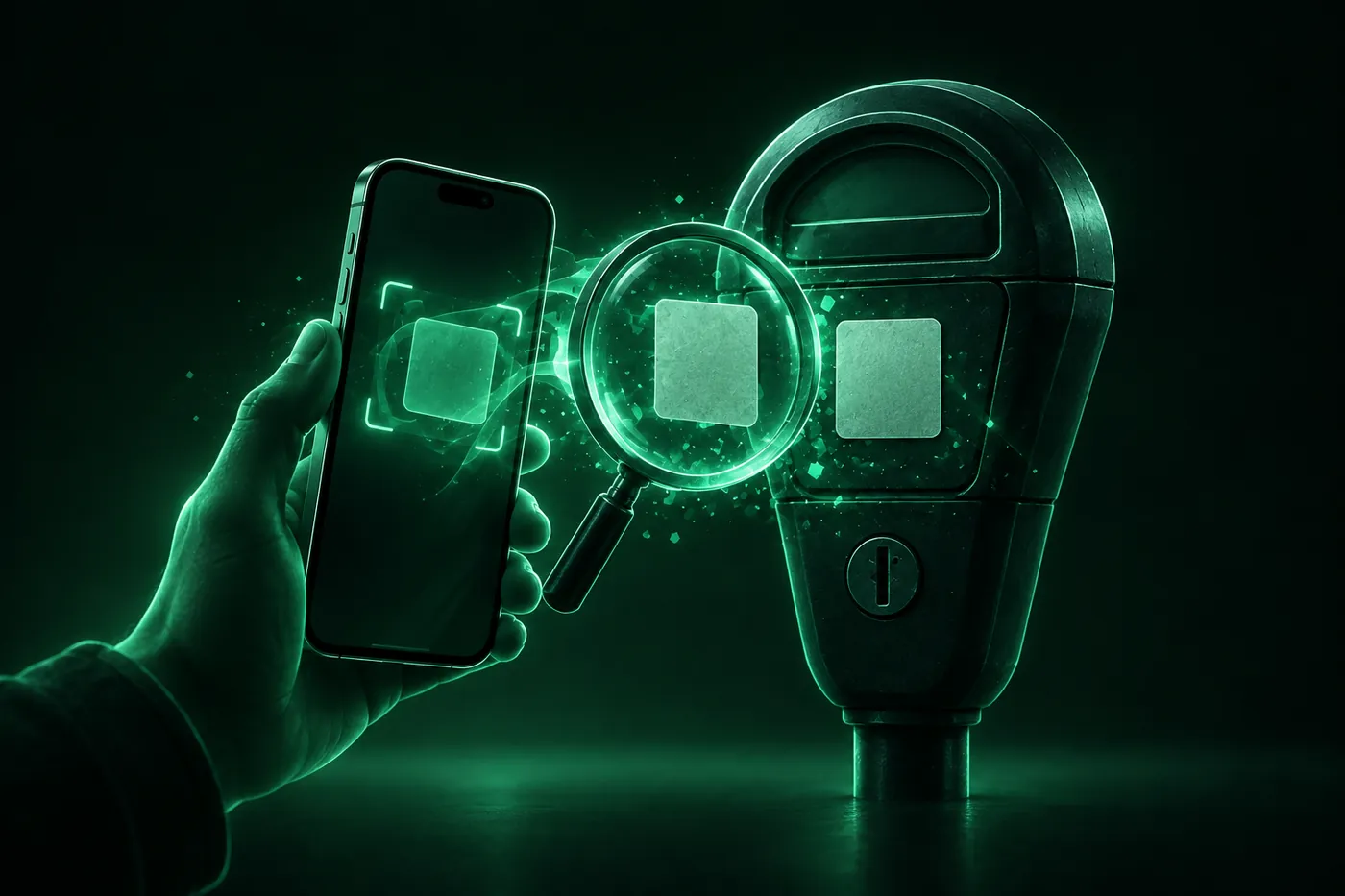
Quishing is phishing with a QR code on a parking meter, a package or in a text. How to check a code before you open it, and what to do if you scanned one.
 Marco Lee
Quishing is phishing with a QR code: a scammer puts a link inside a code, on a sticker, a package or a message, hoping you’ll scan it and then sign in or pay on a fake page. Scanning only reads the code. The harm comes from what you open, type or install afterwards, so I’d always look at the address first.
What is quishing?
The FBI describes the trick this way: “Cybercriminals tamper with both digital and physical QR codes to replace legitimate codes with malicious codes.” A victim “scans what they think to be a legitimate code but the tampered code directs victims to a malicious site, which prompts them to enter login and financial information” (FBI IC3). The FBI adds that “QR codes are not malicious in nature.” It’s what the code points to that matters.
The FTC gives the same warning: a scanned code can send you to a fake site built to steal your information, or install malware (FTC). Smishing, the same idea by text message, is covered in What is smishing?. If you’d like to check a code right now, the free QR code scanner on this site shows where it goes before you open anything.
Where fake QR codes show up
- Stickers on parking meters and pay stations. The FTC warns that scammers cover real QR codes on parking meters with their own, and that a fake code can lead to a site meant to steal money, personal information, or both (FTC). The FBI also lists “a sticker placed on top of the original code” as a sign of tampering (FBI IC3).
- Packages you didn’t order. The FTC describes an unexpected package with a note asking you to scan a code to find out who sent it or how to return it. The code can lead to a phishing site or a malware download (FTC). The FBI calls this a variation of a “brushing scam” and says: “Do not scan QR codes from unknown origins” (FBI IC3).
- Texts and emails with a code instead of a link. The FTC says scammers send codes by text or email with a made-up reason to scan, such as a failed delivery, an account problem or suspicious activity (FTC). I haven’t found an official notice about QR codes in fake USPS texts specifically, so for delivery texts in general see USPS scam text: how to spot a fake.
- Payment-failed emails. The FBI’s example is an email saying a payment failed and can only be completed through a QR code. Its advice is to call the company, using a number from a trusted site rather than one in the email (FBI IC3).
What scanning can and can’t do on iPhone
Apple’s steps: open Camera, point it at the code in Photo mode, then “Tap the link that appears at the bottom of the screen” (Apple Support). So the Camera reads the code and offers a link, and nothing opens until you tap it. That pause is your chance to read the address.
What the code does after that depends on the page. The FBI says a malicious code can lead to a site that asks for login and financial information, or embed malware (FBI IC3). I’d treat any page that asks for a password, a card number or an app install after a scan as suspect until proven otherwise.
How to check a QR code before opening it
- Look at the link first. The FTC says to “inspect the URL before you open it” and to look for misspellings or swapped letters (FTC). A fake address can be close to the real one with a typo or a misplaced letter (FBI IC3).
- Run it through a scanner that shows the real address. On the QR code scanner you upload a photo or a screenshot of the code. It reads the image in your browser and doesn’t upload it, shows the site the link really goes to in large type, and flags warning signs: a site that isn’t the company it mentions, a link shortener, a link that isn’t encrypted, a bare IP address, words about tolls, fines or deliveries, a file or app download, and a crypto payment. It never calls a link safe, and it can’t follow a short link, because it never opens what the code points to. A clean result only means nothing in the code looks wrong. Also see what to do about a Deceptive Website Warning if Safari flags the page.
- Check a physical code. Run a finger over it. If it’s a sticker over another code, don’t use it (FBI IC3).
- Skip the code when it’s unexpected or urgent. The FTC says to avoid codes in messages you weren’t expecting and to contact the company through a phone number or website you already know is real (FTC). For a payment, the FBI suggests typing a known, trusted address yourself instead (FBI IC3).
- Don’t install from a code. The FBI says: “Do not download an app from a QR code. Use your phone’s app store for a safer download.” It also advises against downloading a separate QR scanner app, since most phones have one in the Camera (FBI IC3).
What if I already scanned it?
Scanning only reads the code, and nothing opens until you tap the link. If you opened the page, here’s what I’d do, following the FTC:
- Don’t contact the scammer through the fake site, since they may try to get more money or information (FTC).
- If you typed a password, change it on the real site and on any account that uses the same one, and turn on two-factor authentication (FTC).
- If you entered card or bank details or paid, review your card and bank statements for transactions you didn’t make (FTC), and tell your bank. The FBI warns that law enforcement “cannot guarantee the recovery of lost funds after transfer,” so don’t wait (FBI IC3).
- If it installed something, see how to check if your iPhone is hacked.
- Check your credit. The FTC suggests a free credit report at AnnualCreditReport.com and, if your identity was stolen, a recovery plan at IdentityTheft.gov (FTC).
How to report a QR code scam
- Report it to the FTC at ReportFraud.ftc.gov (FTC).
- Report it to the FBI’s Internet Crime Complaint Center at ic3.gov, or to your local FBI field office (FBI IC3). For a package, include the sender’s name or company, how they contacted you, and any apps or permissions involved (FBI IC3).
- For a code on a parking meter or pay station, I’d also tell whoever runs the meter so they can remove it. I couldn’t find an official source for that step, so it’s my suggestion.
What Mistero can and can’t do here
Mistero can’t stop a fake sticker from being put on a meter, can’t stop a scam message from reaching you, and can’t get money back. It also can’t tell you a link is safe.
What the app does, per its listing: “Scan QR codes and review their links before opening them,” “Help block known phishing pages and malicious domains,” and “On iPhone, enable caller identification, spam call blocking, and SMS filtering” (App Store listing, read Nov 4, 2026). Those are extra checks around the one that matters: reading the address before you tap. More at Mistero security.
Sources
- FBI IC3, Cybercriminals Tampering with QR Codes to Steal Victim Funds (I-011822-PSA, Jan 18, 2022): https://www.ic3.gov/PSA/2022/PSA220118 (read Nov 4, 2026)
- FBI IC3, Unsolicited Packages Containing QR Codes Used to Initiate Fraud Schemes (I-073125-PSA): https://www.ic3.gov/PSA/2025/PSA250731 (read Nov 4, 2026)
- FTC, Scammers hide harmful links in QR codes to steal your information (Dec 2023): https://consumer.ftc.gov/consumer-alerts/2023/12/scammers-hide-harmful-links-qr-codes-steal-your-information (read Nov 4, 2026)
- FTC, Scam alert: QR code on an unexpected package (Jan 2025): https://consumer.ftc.gov/consumer-alerts/2025/01/scam-alert-qr-code-unexpected-package (read Nov 4, 2026)
- FTC, See a QR code parked somewhere? Don’t scan it…yet! (Sep 2026): https://consumer.ftc.gov/consumer-alerts/2026/09/see-qr-code-parked-somewhere-dont-scan-ityet (read Nov 4, 2026)
- Apple Support, Scan a QR code with your iPhone camera (iPhone User Guide): https://support.apple.com/guide/iphone/scan-a-qr-code-iphe8bda8762/ios (read Nov 4, 2026)
- Mistero VPN, QR code scanner: https://misterovpn.com/qr-code-scanner (read Nov 4, 2026)
- App Store, Mistero VPN: Privacy & Proxy: https://apps.apple.com/app/id1583175414 (read Nov 4, 2026)
Pricing New subscribers can start a 3-day free trial. After the trial, the subscription renews automatically at $12.99 per week unless you cancel at least 24 hours before the trial ends, in Settings > [your name] > Subscriptions (Apple Support). There's also a one-time Lifetime purchase for $99.99. These are US App Store prices as of October 2026; the purchase screen shows the current price before you confirm.
Frequently asked questions
What is quishing?
Can you get hacked by scanning a QR code?
How can I tell if a QR code is safe?
What should I do if I scanned a scam QR code?
 Toll Scam Text: Is the Unpaid Toll Message Real?An unexpected text saying you owe an unpaid toll is almost certainly a scam. How to check what you owe, what to do if you tapped, and how to report it.
 USPS Scam Text: How to Tell and What to Do If You ClickedUSPS only texts you after you ask for tracking, and those texts have no link. How to spot a fake USPS text, what to do if you tapped, and where to report it.
 What Is Smishing? How to Spot a Scam Text on iPhoneSmishing is phishing by text message. What it is, how it differs from phishing and vishing, the warning signs, and what to do on iPhone if you tapped.