Why is there a VPN icon on my iPhone?
The VPN icon in your iPhone's status bar is how iOS shows a VPN connection. Learn what it means, how to find which VPN it is, and how to turn it off.
 Marco Lee
The VPN icon in your iPhone’s status bar means iOS sees an active VPN connection; Apple describes it as “iPhone is connected to a network using VPN.” To find which VPN it is, open Settings > General > VPN & Device Management > VPN; Engadget and Bitdefender say you can switch it to Not Connected there and turn off Connect On Demand if it keeps reconnecting. Menu wording can differ between iOS versions.
What does the VPN icon on an iPhone mean?
It means iOS is reporting a VPN connection. Apple’s status-icon guide lists the VPN icon in its Connectivity section and describes it as “iPhone is connected to a network using VPN” (Apple Support, read Oct 29, 2026). Apple’s description does not say which VPN it is or who runs it, so the next step is to look in Settings. A VPN can come from an app you installed, or from a configuration profile or device management (MDM) installed on the device (Apple Support).
Why is the VPN icon showing when I did not turn on a VPN?
A VPN may be connected that you forgot about, or one may be reconnecting by itself. This table lists the causes the sources describe, with how to check each:
| Likely cause | How to check | Source |
|---|---|---|
| A VPN app is connected, or auto-connected when you opened it | Open the app, or look at the status in Settings > General > VPN & Device Management > VPN | Engadget |
| Connect On Demand turned the VPN back on after you switched it off | In the same VPN list, tap the (i) next to the VPN and check Connect On Demand | Engadget, Bitdefender |
| An old VPN entry or a work or school profile is still installed | Look for entries under Settings > General > VPN & Device Management | Apple Support, Apple Support |
| Another app set up a VPN-type connection (some commenters name security or ad-blocking apps) | Check the VPN list for names you did not expect | Commenters on r/ios, Oct 4, 2024; individual reports, not verified |
| A display glitch | Restart the iPhone. Some iOS 18 users reported the icon staying after disconnecting, and several said a restart cleared it | Apple Community, Sep 20, 2024, r/ios, Oct 4, 2024; user reports, not confirmed by Apple, and I have not tested current iOS |
How do I find out which VPN is connected and turn it off?
Follow these steps:
- Open Settings > General > VPN & Device Management > VPN. On some iOS versions there is also a VPN row in the main Settings list (Engadget). Menu wording can differ between iOS versions.
- Read the name and the status. If it says Connected, switch the status to Not Connected. Engadget says the icon should disappear.
- Tap the (i) next to the VPN and turn off Connect On Demand if the VPN keeps reconnecting (Engadget, Bitdefender).
- Remove it if you no longer want it. Tap Delete VPN on that screen, or delete the VPN app and then check that the entry is gone (Engadget).
- Check profiles you do not recognize. Under Settings > General > VPN & Device Management, Apple says you may be able to select an unknown profile and tap Delete Profile, then restart. If the device belongs to a school or business, check with your system administrator first (Apple Support).
- Restart the iPhone if the icon stays after the VPN shows Not Connected. Some iOS 18 users report that a restart cleared a stuck icon; Apple has not confirmed this, and I have not tested current iOS.
Does the VPN icon mean someone is spying on me?
Not by itself. Apple’s description says only that iPhone is connected to a network using VPN; it does not say who operates that VPN. It can be an app or profile that you or your organization installed, so check the VPN list first. If you find a profile you cannot explain, follow step 5 above, and do not delete anything on a device your school or employer manages without asking them.
Does the VPN icon mean my VPN is working?
It means iOS sees a VPN connection, not that every connection is protected. A quick check is to compare your public address before and after connecting:
- With the VPN off, open What is my IP and note the address and location.
- Connect the VPN and reload the page.
- Compare the two. If they differ, your browser traffic is typically being routed through the VPN server.
- Disconnect and reload once more to confirm it goes back.
This tool runs in your browser and shows only your own address. It confirms the VPN is active for that page; it cannot prove that every app is covered. To see how the address changes, read How does a VPN change your IP address?.
What does Mistero VPN do here?
Mistero VPN is a VPN app, so iOS may show the VPN icon while it is connected, as Apple describes for a VPN connection; I have not confirmed this on a device. The App Store listing says you can “Mask your IP address while the VPN is active” and “Use Auto-Connect when Mistero launches.” This article does not describe Mistero’s in-app settings. To stop it, disconnect in the app or switch it off in Settings > General > VPN & Device Management > VPN. New subscribers can start a 3-day free trial, and there is also a one-time Lifetime purchase (App Store listing, read Oct 29, 2026). When the trial ends, the trial subscription renews automatically as a paid subscription unless you cancel at least 24 hours before the trial ends, in Settings > [your name] > Subscriptions (Apple Support: Cancel a subscription from Apple, read Oct 29, 2026).
Sources
- Apple Support, Learn the meaning of iPhone status icons: https://support.apple.com/en-us/118203 (read in full Oct 29, 2026; no publication date shown on the page)
- Apple Support, Reset iPhone settings to their defaults: https://support.apple.com/en-us/guide/iphone/iphea1c2fe48/ios (read in full Oct 29, 2026; no publication date shown on the page)
- Apple Support, Review and delete configuration profiles (Personal Safety guide): https://support.apple.com/guide/personal-safety/review-and-delete-configuration-profiles-ips327569a75/web (read in full Oct 29, 2026; page shows Published Date: October 2025)
- Engadget, How to turn off a VPN on iPhone (Sam Chapman, Jan 14, 2026): https://www.engadget.com/cybersecurity/vpn/how-to-turn-off-a-vpn-on-iphone-180000533.html (read in full Oct 29, 2026)
- Bitdefender, How to Turn Off VPN on iPhone & Stop It from Reconnecting (published Sep 18, 2025, updated Apr 15, 2026): https://www.bitdefender.com/en-us/blog/hotforsecurity/how-to-turn-off-vpn-on-iphone-stop-it-from-reconnecting (read in full Oct 29, 2026)
- Reddit r/ios, “Why is there a vpn symbol?” (comments dated Oct 4, 2024): https://www.reddit.com/r/ios/comments/1fvufqg/why_is_there_a_vpn_symbol_im_not_even_connected/ (comment excerpts via search, Oct 29, 2026; the full page could not be fetched)
- Apple Community, VPN icon doesn’t disappear after turning it off iOS 18, iPhone 13 (posted Sep 20, 2024): https://discussions.apple.com/thread/255767076 (search excerpt, Oct 29, 2026; the full page could not be fetched)
- Mistero VPN on the App Store: https://apps.apple.com/app/id1583175414 (listing text, including the renewal sentence, read via iTunes lookup, US, Oct 29, 2026)
Frequently asked questions
Does the VPN icon mean my VPN is working?
Why is the VPN icon on when my VPN app says it is off?
Will deleting the VPN app remove the icon?
Is a VPN profile from my school or work the same as a VPN app?
Will I see the VPN icon when I use Mistero VPN?
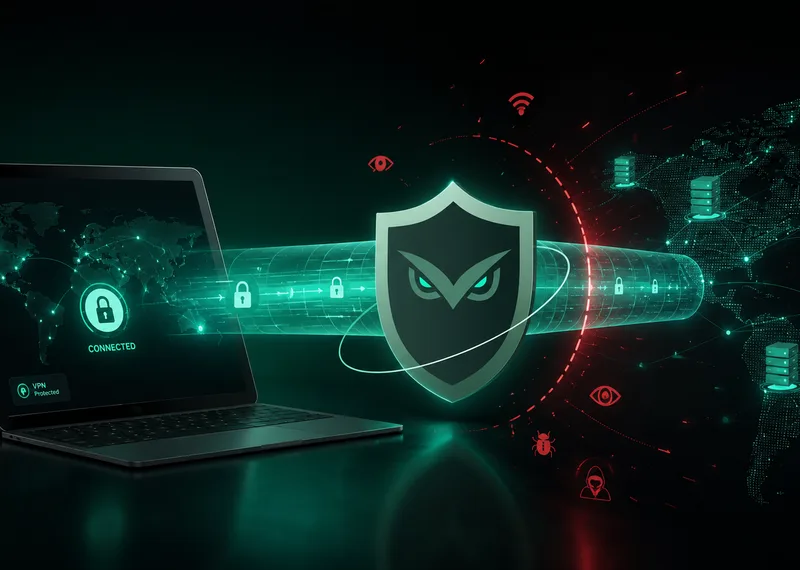 Why a VPN Matters When Your Network Keeps ChangingYour online routine may stay the same while the network carrying it changes throughout the day. A VPN gives you a deliberate way to add a protected connection layer when you move between familiar and unfamiliar networks.
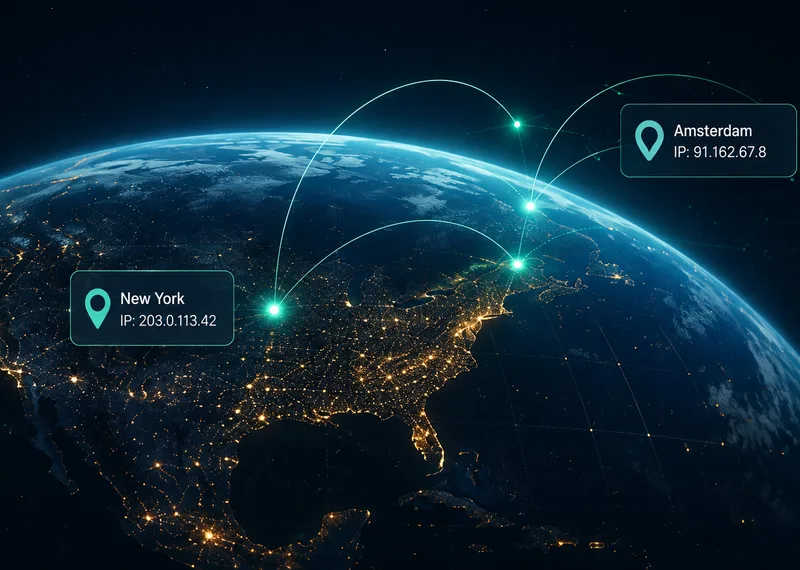 How Does a VPN Change Your IP Address?A VPN swaps the address websites see for the VPN server's. Here's what changes, what doesn't, and how to check your IP before and after.
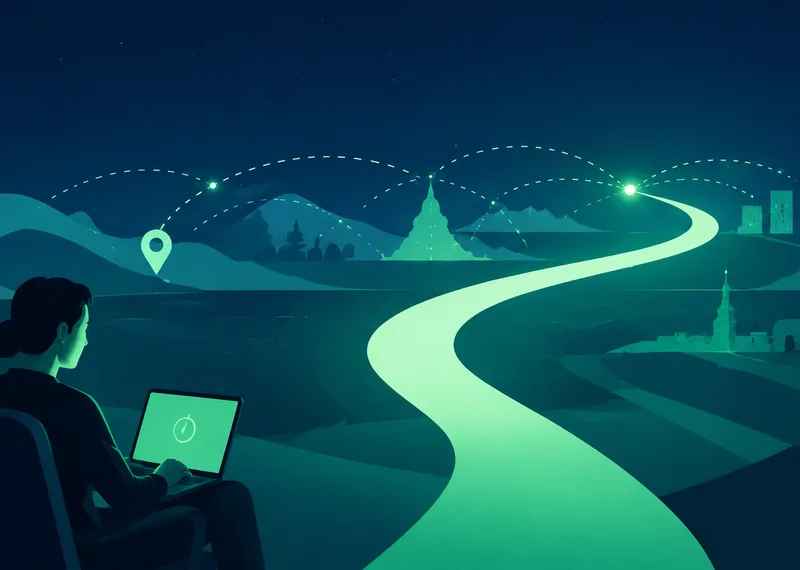 What a VPN Actually Changes When You Go OnlineA VPN changes the route your internet traffic takes and adds a protected connection between your device and a VPN service. Understanding that boundary makes it easier to know when a VPN helps and what it cannot replace.